Buy when (limit buy)
Place a limit buy that fires when a coin reaches a price, a market cap or a % from your entry.
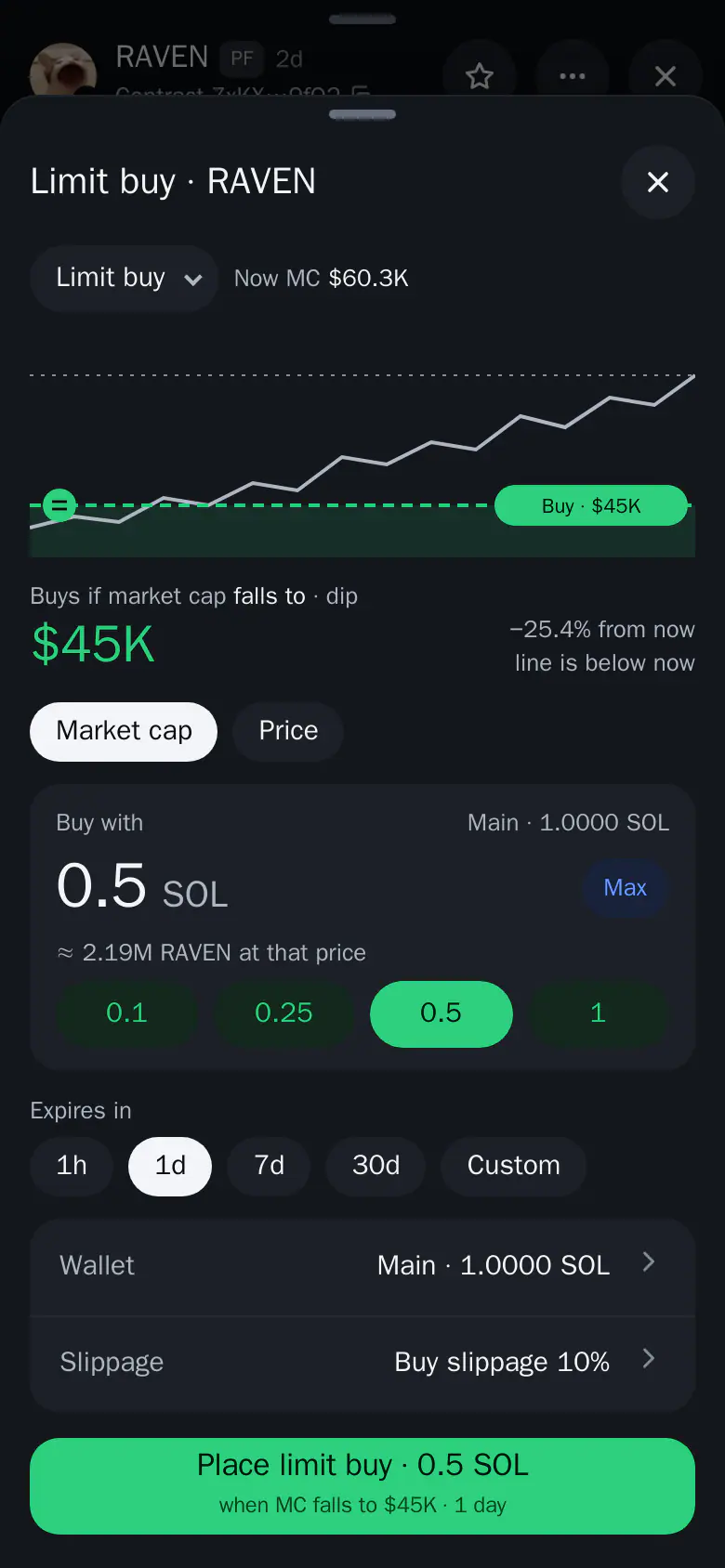
Buy when places a limit buy that fires when the coin reaches your trigger: a % from your entry, a price or a market cap. It runs on Thor's side, even when Telegram is closed.
One order sheet covers limit buy, take profit, stop loss and trailing stop. This page covers the limit buy.
Where to find it
- Mini App: coin sheet > + Limit buy.
- Bot: buy card >
BUY WHEN, then⚡ Set Trigger Price,⏰ Set ExpirationandCREATE ORDER.
How to set a limit buy
- Choose the trigger: Market cap, Price or % from entry. Drag the line, or type a value such as
-20%,0.000045or45k mc.- Below the current value it is a dip buy.
- Above it, a breakout buy. The sentence under the line says which.
- Choose the amount: the chain coin, $, or % of your balance on Solana.
- Choose Expires in: a preset, or Custom (
15m,5h,2dor1w, up to 5 years). Your last choice is remembered. - Tap Place limit buy.
With Market cap picked, the order stays fixed to the market cap you set.
Good to know
- % is measured from your average entry, or from the current price if you don't hold the coin.
- It uses your buy slippage and priority fee.
- Funds are not locked. The buy uses your wallet balance when it fires.
- It can pay from a wallet you pick, including USD Cash, or from a batch.
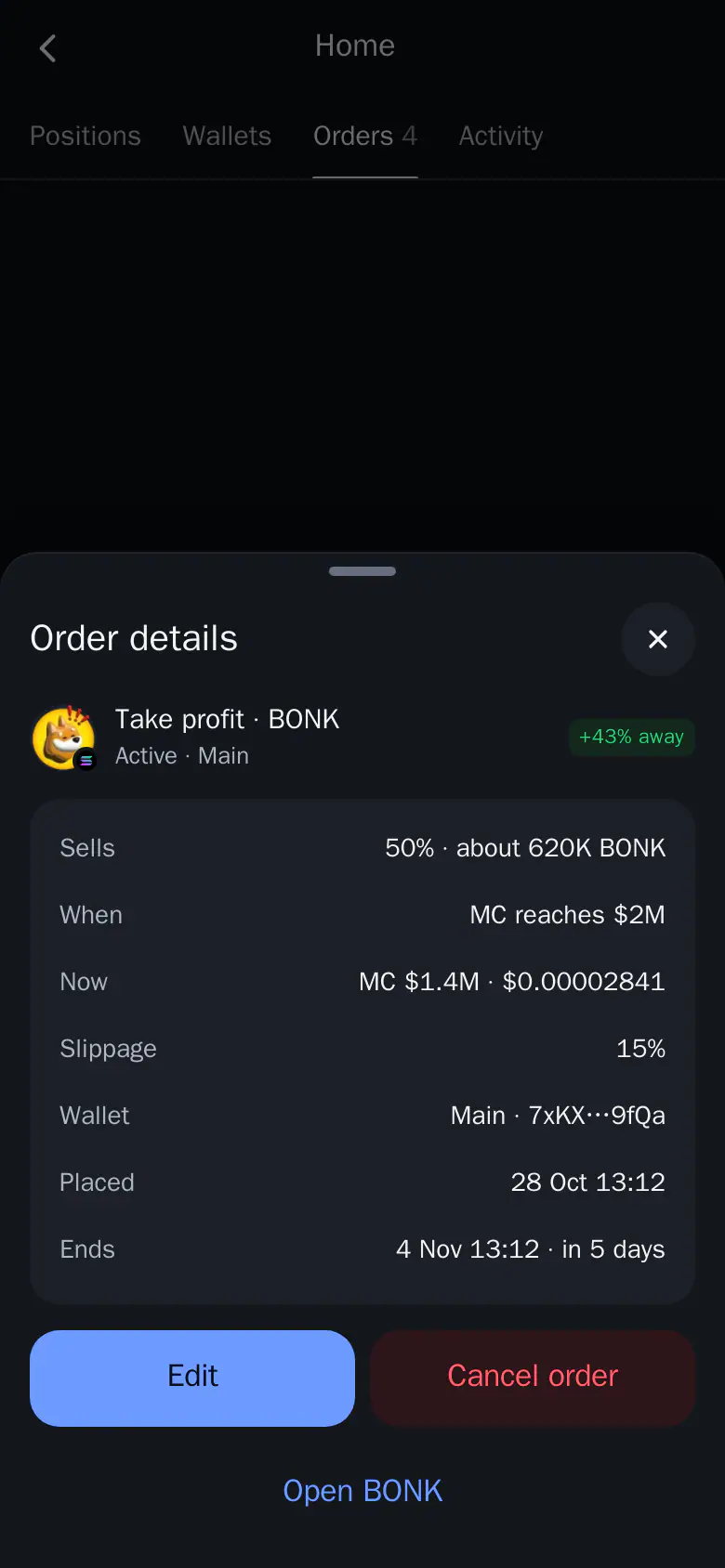
- See and edit your limit buys in Manage your orders.