MEV protection helps stop other bots from trading just before and after you to profit from your order, the trick behind sandwich attacks. In Thor you turn it on in Account → Trading defaults → EVM chains → MEV protection, which adds extra front-running protection to your Ethereum trades. Pair it with sensible slippage, because slippage decides how much a sandwich bot can take from you.
This guide goes deeper than the short MEV section in the Ethereum trading bot guide: how MEV and sandwich attacks work, what the setting does and does not do, and which other settings in Thor reduce the damage.
 Thor Trading Bot


- Open the EVM tab. Account → Trading defaults has a tab for Solana and one for EVM chains.
- Switch it on. Your Ethereum trades get extra front-running protection.
What Is MEV?
MEV stands for maximal extractable value. It is the profit someone can make by choosing the order of transactions in a block, or by placing their own transactions around yours. On Ethereum, pending transactions can usually be seen before they land, so bots watch for trades they can profit from.
The glossary puts it simply: front-running (MEV) is bots trading just before you to profit from your trade.
Not all MEV hurts regular traders. Arbitrage that lines up prices across exchanges is MEV too. The kind that hurts you is the kind that targets your own swap.
How a Sandwich Attack Works
A sandwich attack is the most common form of MEV that hits memecoin traders. It works in three steps:
- You send a buy. Your swap is waiting to land, with a slippage setting that says how far the price may move.
- A bot buys first. It sees your pending trade and buys the same token just ahead of you, pushing the price up.
- You buy at the higher price, then the bot sells. Your trade fills at a worse price, still inside your slippage, and the bot sells straight after you into the price your buy pushed up.
The bot's profit comes out of your fill. You get fewer tokens than you would have without the attack, and you rarely notice, because the trade still succeeds.
Why Slippage Matters So Much
Slippage is how far the price may move between your tap and the trade landing. If it moves more, the trade is cancelled instead of filling at a bad price. See Slippage and priority fees.
For a sandwich bot, your slippage is the budget. With a 1% limit there is little room to squeeze. With a very high limit, the bot can push the price a long way and your trade still goes through. Higher slippage helps trades land on fast-moving coins, but on Ethereum it also leaves more room to be front-run.
How to Turn On MEV Protection in Thor
Ethereum MEV Bot Protection
- Open Account in the Mini App.
- Tap Trading defaults, then the EVM chains tab.
- Find MEV protection. It is marked Ethereum only.
- Turn it on.
From then on your Ethereum trades get extra front-running protection. The same setting applies in the bot. See Trading defaults.
Thor Trading Bot123- MEV protection. Extra front-running protection for your Ethereum trades. It does nothing on other chains.
- All EVM chains. These settings apply to all EVM chains, or to one chain with its own values.
- Gas. The network cost level for your EVM trades. Faster costs more.
Good to know:
- It applies to Ethereum. The setting does not change trades on Base, BNB Chain, Robinhood Chain, Arc or Solana.
- Tips go to the network. MEV-protection tips you choose are charged by the blockchain, not by Thor, and are added on top of the trade. The Fees page lists them under costs that are always on top.
- It reduces, it does not remove. Thor's Terms say it plainly: front-running and other MEV are a risk that Thor's protection reduces but cannot remove.
What Front-Running Protection Does for You
Most MEV protection works on the same idea: keep your trade out of sight until it lands. If bots cannot see your trade in advance, they cannot place a buy in front of it. For you it is one switch: you do not need to set up a separate wallet or change any network settings.
No Separate Switch on Other Chains
MEV protection is an Ethereum setting only. On Base, BNB Chain, Robinhood Chain, Arc and Solana there is no switch, so the settings below matter more: keep slippage tight, keep the price impact limit on and avoid big buys in thin pools.
More Ways to Limit Sandwich Damage
MEV protection is one layer. These settings work alongside it on every chain.
Set Slippage and Network Costs
- Open Account → Trading defaults.
- Tap the Spot · EVM chains row (or Spot · Solana) to set buy and sell slippage. Use the lowest values that still let your trades land on the tokens you trade.
- On the EVM chains tab, set Gas. A higher level helps your trade land faster when the network is busy.
Thor Trading Bot123- Spot · EVM chains. Slippage for EVM buys and sells. Lower slippage leaves a sandwich bot less to take.
- Spot · Solana. Solana has its own slippage and priority fee.
- EVM chains. Gas, MEV protection and sell amounts for all EVM chains or one chain.
Then:
- Keep the price impact limit on. Price impact is how much your own trade moves the price. Trades above your limit ask you to review first. The default is 20%. Big trades in thin pools are the easiest targets for sandwich bots. See Protections.
- Split large buys. If the review warns about price impact, a smaller amount moves the price less and leaves less to extract.
- Check the token too. MEV is not the only way to lose money on a new token. The honeypot checker guide shows what the Safety row tells you on EVM chains.
- Set exits in advance. Take profit, stop loss and Auto sell keep running when you are away, so you are not rushing a panic sell with wide slippage when the price moves.
Thor Trading Bot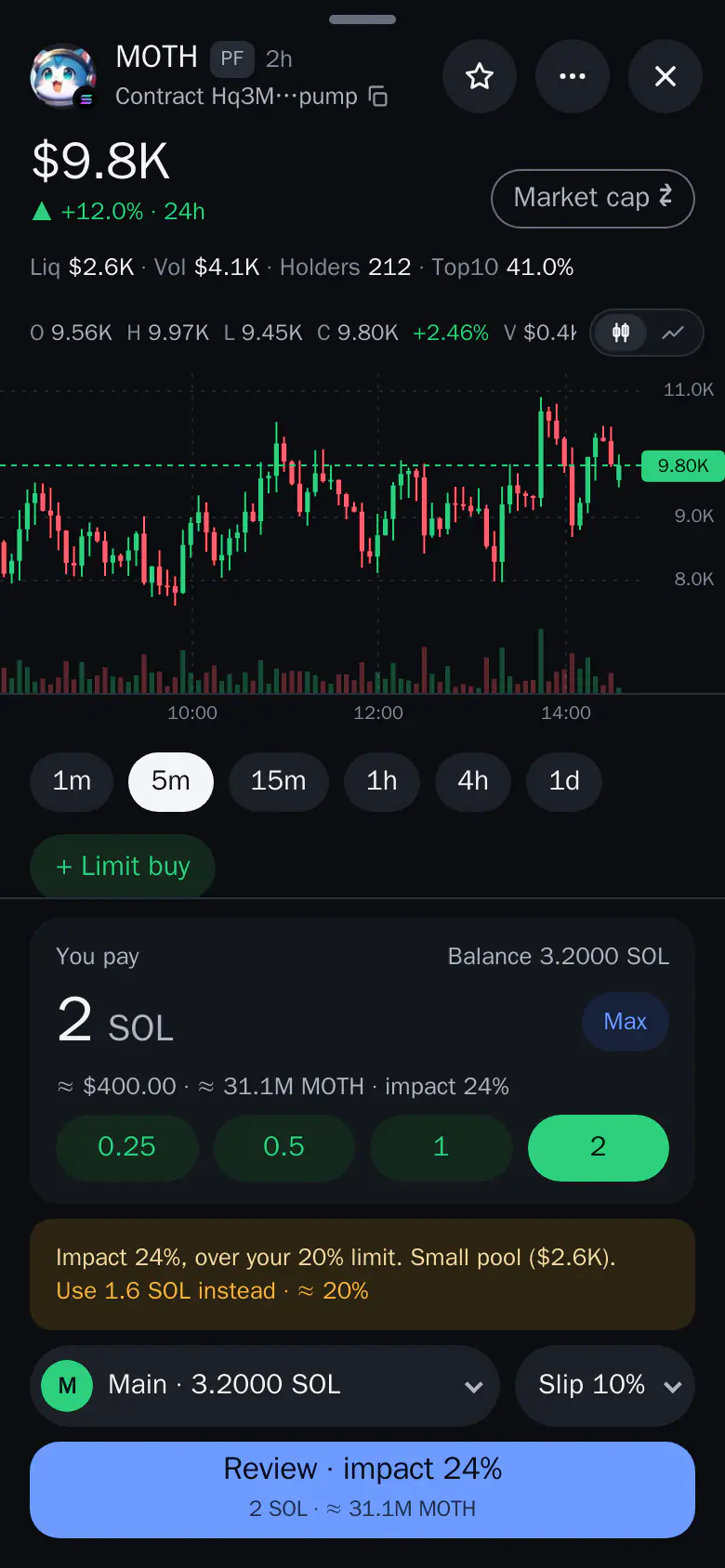
| Setting | Where | What it helps with |
|---|---|---|
| MEV protection | Account → Trading defaults → EVM chains | Extra front-running protection on Ethereum |
| Slippage | Account → Trading defaults | Limits how far a sandwich can move your fill |
| Gas | Account → Trading defaults → EVM chains | Helps trades land faster when the network is busy |
| Price impact limit | Account → Trading defaults | Asks you to review trades that move the price too much |
Does MEV Protection Cost More?
There is no Thor charge for turning on MEV protection. Thor charges a flat 0.5% per spot trade on Solana and every EVM chain, half the 1% that many Telegram trading bots charge. Network costs and any MEV-protection tips you choose are paid to the blockchain and added on top. Every cost is shown before you confirm. See Fees.
The Subscription costs $100 for 30 days and cuts Thor's fees on spot trading to 0% on Solana and every EVM chain, and removes the bridge fee. Break-even against 0.5% is $20,000 of spot volume in 30 days. It does not cover network costs, MEV-protection tips, perps or predictions, and it is non-refundable.
Trade Ethereum With MEV Protection On
Open Thor on Telegram, fund your EVM wallet with ETH or send from Solana, and turn on MEV protection before your first Ethereum trade. Trading on other EVM chains? See the Base and BNB Chain guides.
Frequently asked questions
What is MEV protection in crypto?
MEV protection is any tool that makes it harder for other bots to trade just before or just after you to profit from your trade. In Thor, the MEV protection setting adds extra front-running protection on Ethereum. It reduces this risk but cannot remove it.
How do I protect against sandwich attacks?
Turn on MEV protection for Ethereum trades, keep slippage as low as the token allows, avoid large buys in thin pools and check the price impact before you confirm. The price impact limit in Thor asks you to review trades above your limit.
Does MEV protection cost extra in Thor?
Thor does not charge for the setting. MEV-protection tips you choose are charged by the blockchain, not by Thor, and are added on top of the trade like network costs.
Are private transactions safer from front-running?
Keeping a trade out of the public waiting area for pending transactions makes it harder for bots to see it in advance. That is the general idea behind most MEV protection. Nothing removes MEV completely.
Does Thor have an MEV setting on Solana?
No. The MEV protection setting is for Ethereum only. On every chain, low slippage, the price impact limit and smaller buys in thin pools reduce what a bot can take from you.
Step-by-step in the Docs
- Trading defaults: Set slippage, buy and sell amounts and safety switches once; every trade starts from them.
- Slippage and network costs: Control how far the price may move and how fast your trade lands.
- Why Thor is fast: What to expect from trade speed in Thor, and how to follow a trade as it lands.
- Protections: Price impact limit, buy and sell protection and MEV protection.