Subscription
$100 for 30 days for 0% bot fees on Solana and every EVM chain.
How do you get 0% bot fees on Thor? Subscribe: "One plan: 0% bot fees on Solana and every EVM chain while it is active." It also removes the bridge bot fee. The price is $100 for 30 days.
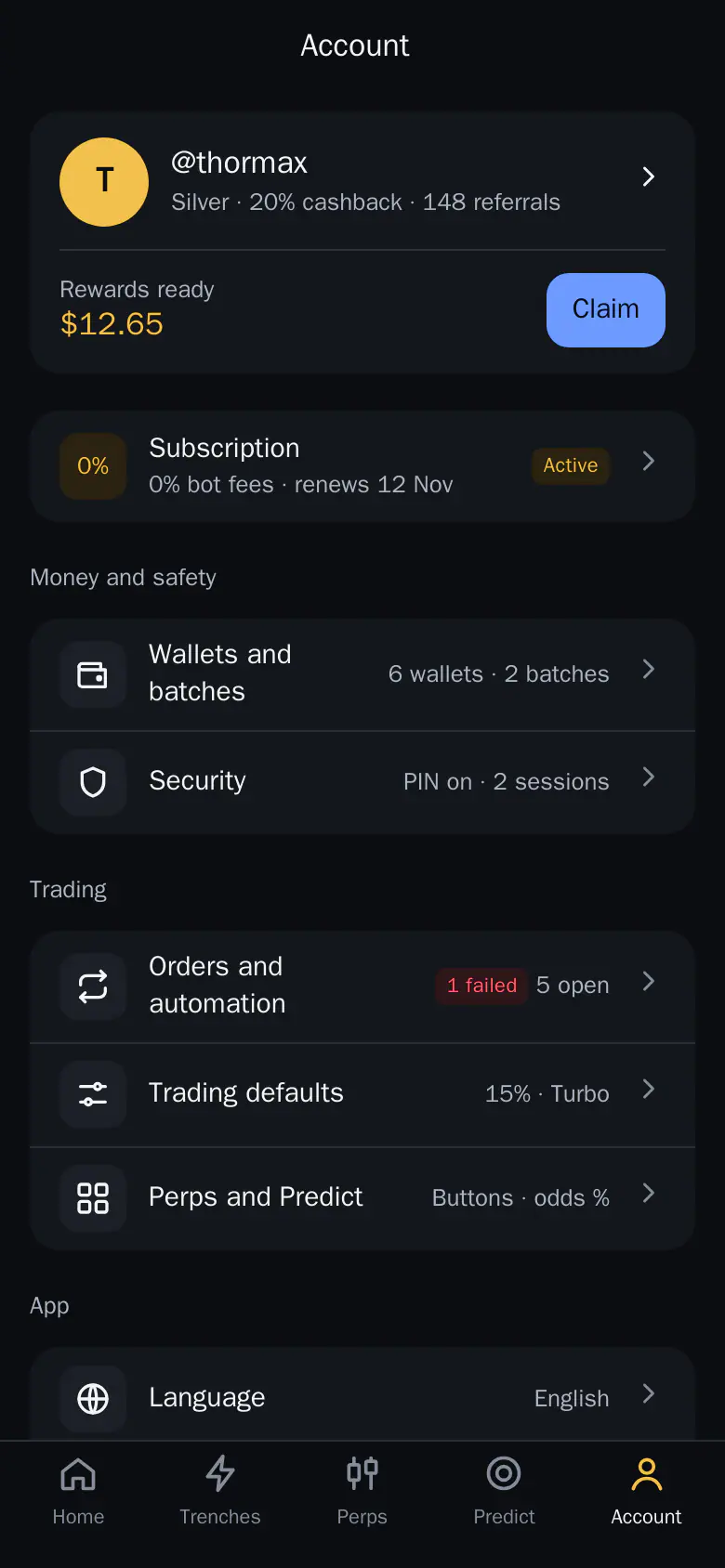
Where to find it
- Mini App: Account → Subscription.
- Bot:
⭐ Subscription.
- Under Pay with, pick a wallet coin or a deposit from elsewhere.
- Leave Auto-renew on to renew automatically.
- Tap the Pay button. Wallet payments ask for your PIN.
 Thor Trading Bot
 1234
- Pay with. Choose a wallet coin, or pay by deposit
- Auto-renew. Turn automatic renewal on or off
- Payment history. See your past payments
- Cancel subscription. You keep 0% bot fees until the date shown
How to subscribe
- Under Pay with, choose:
- Auto-charge from wallet: pick the chain, coin and wallet. It renews automatically;
- Pay by deposit: you get a one-time address. "Send exactly the amount... No auto-renew."
- Tap Subscribe · $100 for 30 days. Wallet payments ask for your PIN.
- For a deposit, send exactly the amount shown on that chain before the timer ends, then tap Check payment.
A quote is valid for 30 minutes.
While it is active
- The screen shows the days left and "Saved this month: {amount}".
- Turn Auto-renew on or off at any time.
- See past payments in Payment history.
Cancel or resume
Tap Cancel subscription. "You keep 0% bot fees until {date}." Tap Resume subscription to turn it back on.
Note: "Network gas, tips, and Hyperliquid and Polymarket builder fees still apply." Accounts with 0% bot fees earn no cashback.