The Mini App
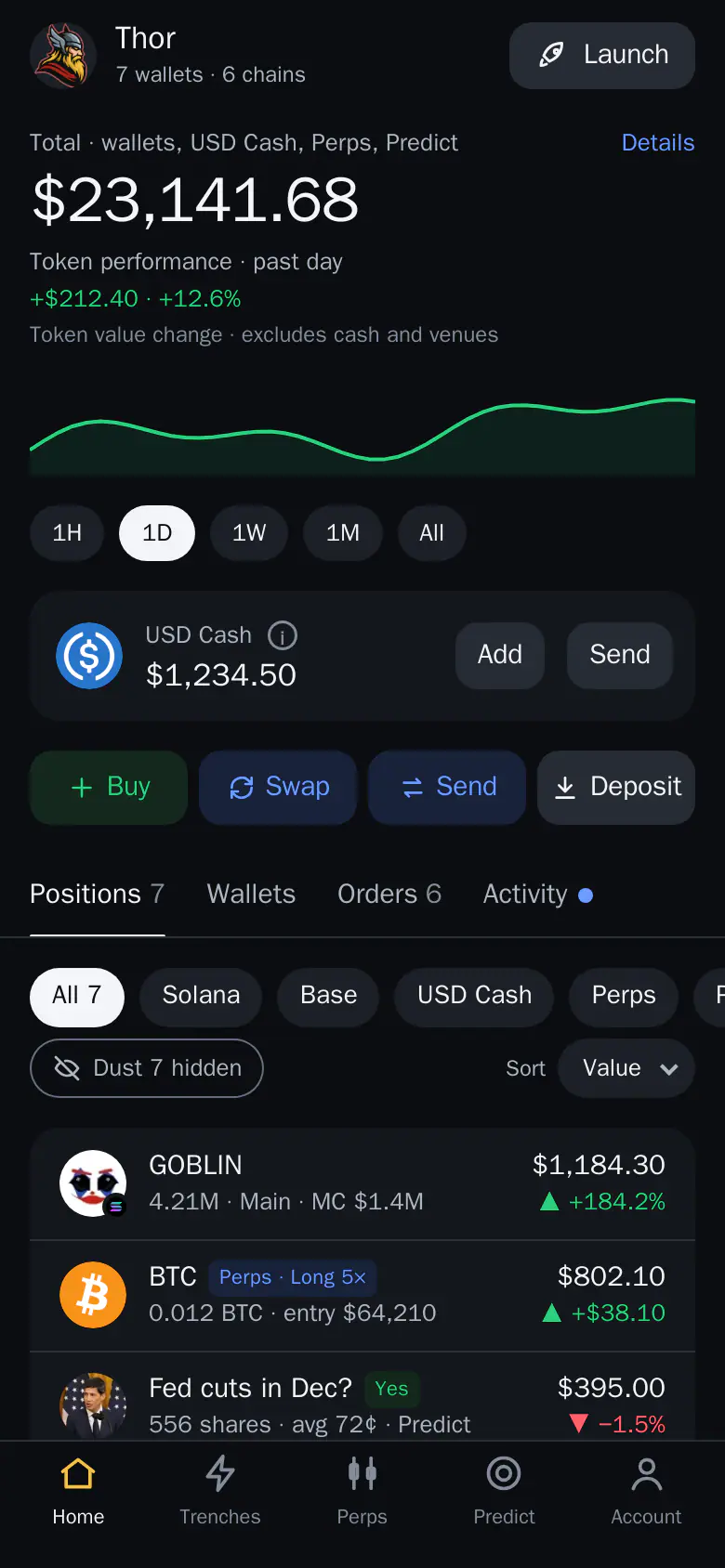
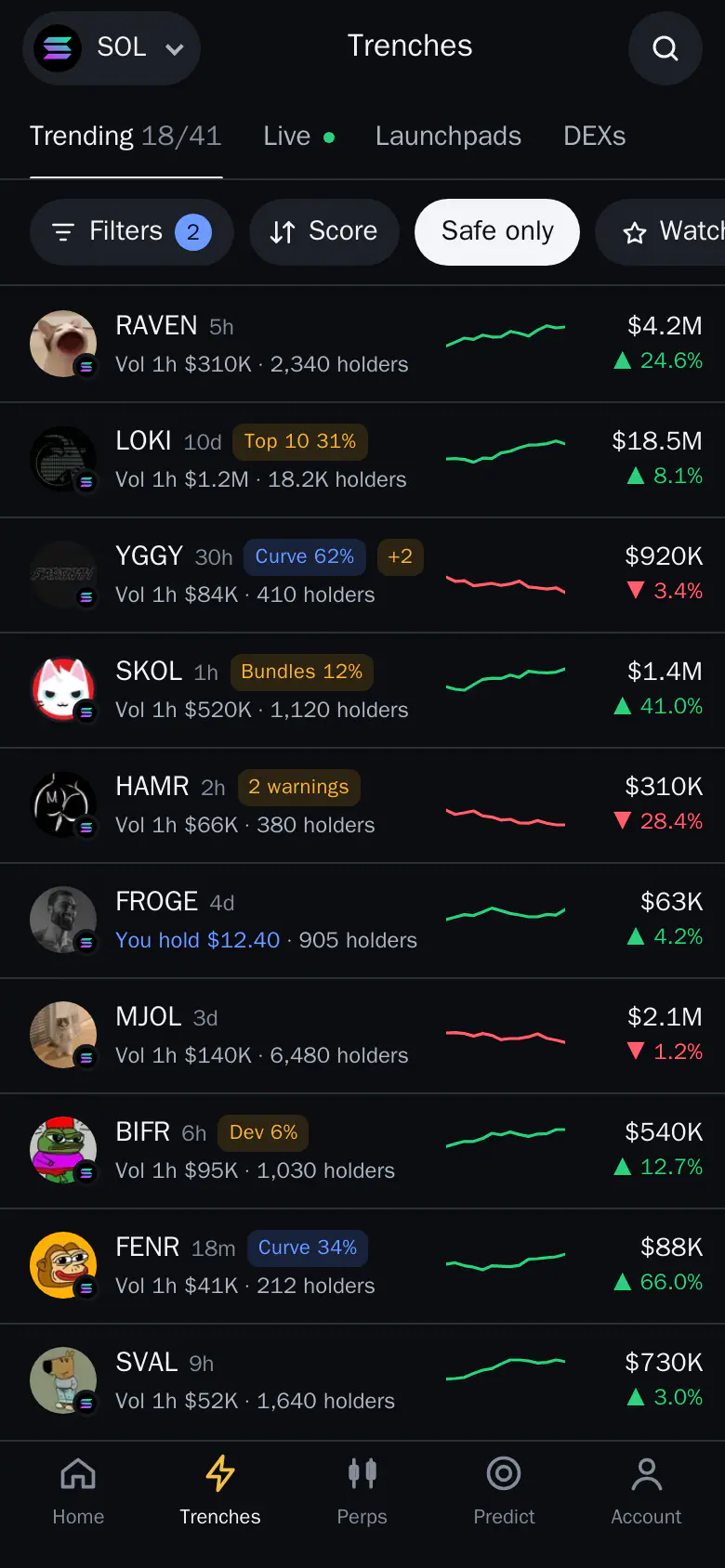
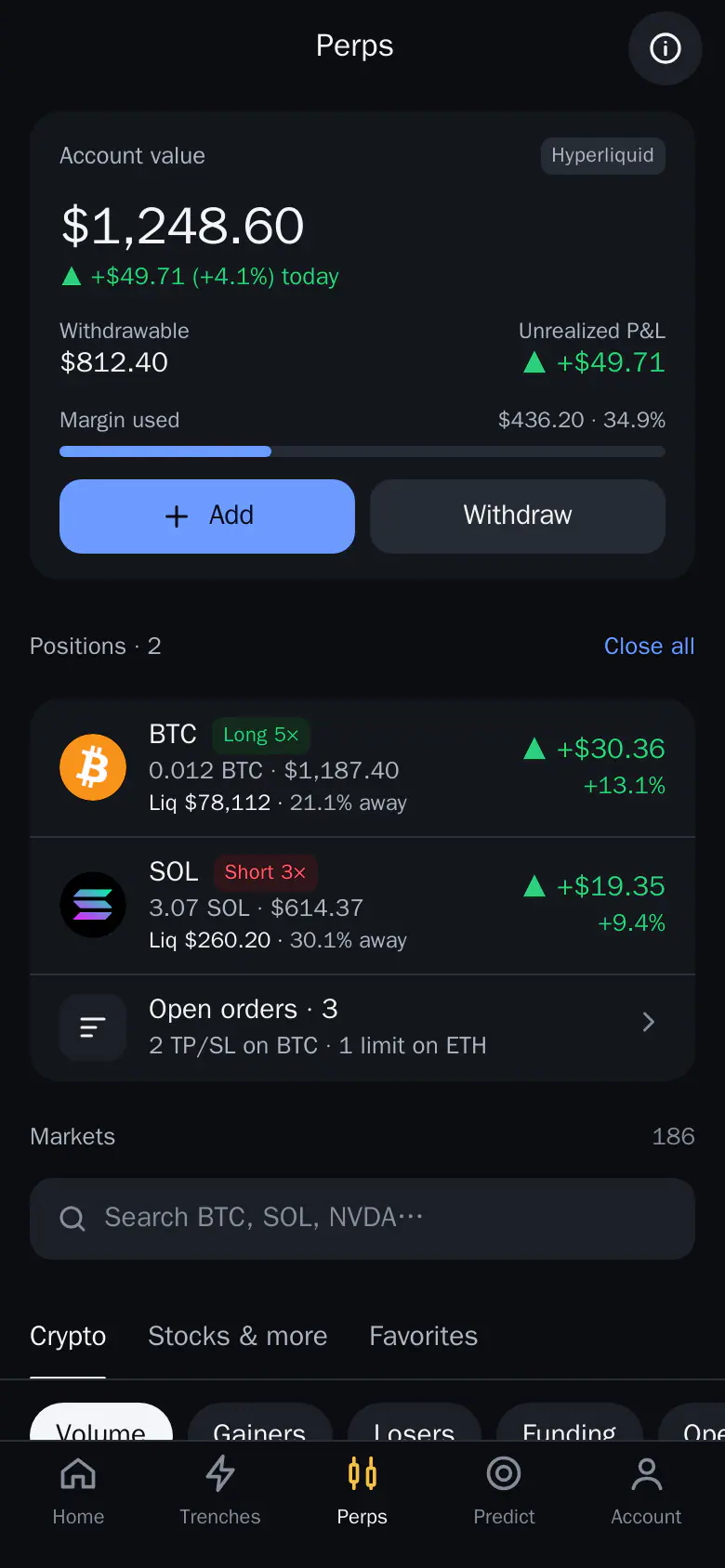
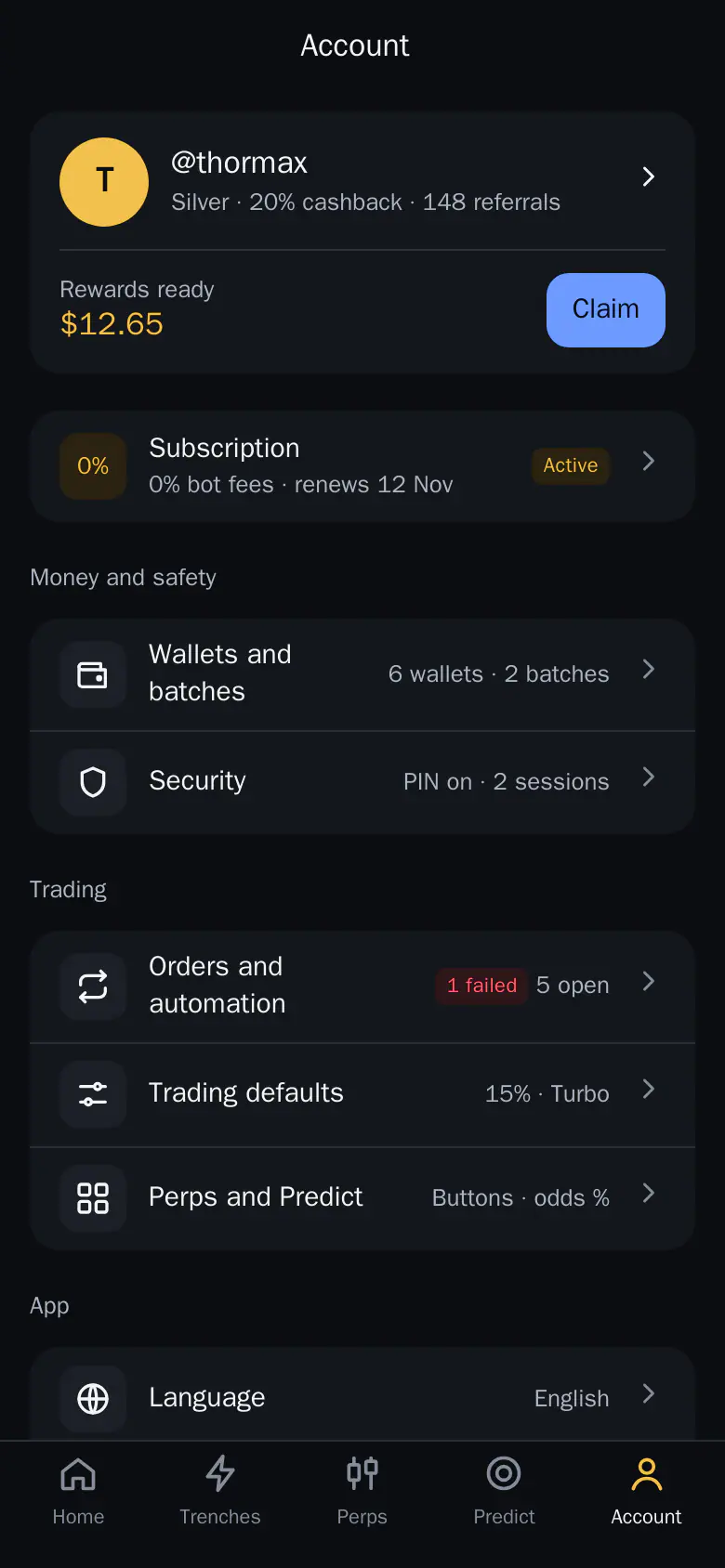
The five tabs of the Thor app inside Telegram: Home, Trenches, Perps, Predict and Account.
The Thor Mini App opens inside Telegram and has five tabs: Home, Trenches, Perps, Predict, Account. It shares the same account, wallets and settings as the bot: changes save instantly and also apply in the Thor bot.
How to open it
- Open the chat with @thorsolana_bot.
- Tap the menu button next to the message field, or an Open Thor button in a message.
The five tabs
- Home: your total value, the USD Cash card with Add and Send, and the buttons Buy, Swap, Send and Deposit. Under them are four tabs: Positions (every coin, Perps and Predict position with live P&L), Wallets, Orders and Activity. Launch at the top creates your own coin.
- Trenches: live coin lists (Trending, Live, Launchpads, DEXs) with scores and risk flags. Tap a coin to open its Coin sheet, where you buy and sell.
- Perps: long or short with leverage on Hyperliquid.
- Predict: buy Yes or No on real-world events on Polymarket.
- Account: your tier and rewards, subscription, wallets and batches, security, orders and automation, trading defaults, language and help.
Perps and Predict are hidden in restricted countries.
Good to know
- Pull down to refresh.
- Toasts at the top follow every trade, send and order. Tap one for Details.
- Fills and alerts still arrive in the bot chat.
- The wallet you pick in any picker becomes your default wallet.
See Portfolio for positions and P&L.