Wallets
Create, import, export and manage your wallets.
Your wallets
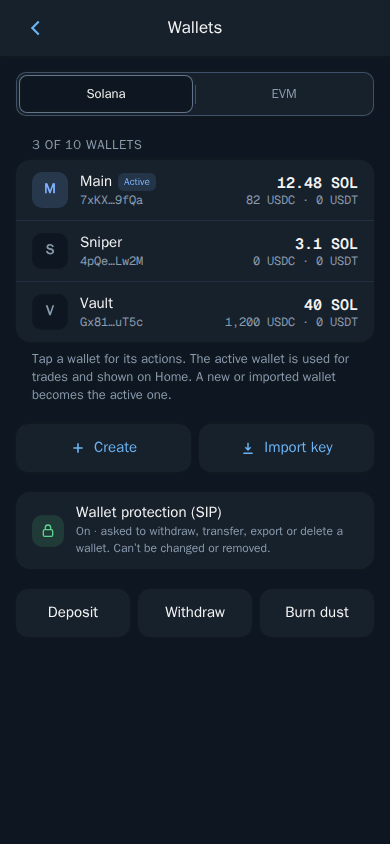
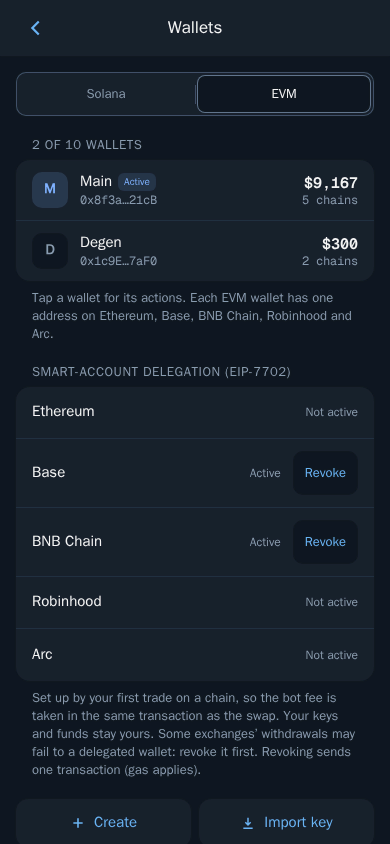
Open Wallets and choose the Solana or EVM tab. Tap a wallet to make it the active one.
From a wallet's menu you can:
- rename it;
- export its private key;
- delete it (you always keep at least one).
Add a wallet
- Create a new wallet.
- Import a wallet you already own by pasting its private key.
You can have up to 10 wallets on each tab.
Warning: Anyone with a private key can move the funds in that wallet. Never share it. Thor will never ask for it.