Send
One screen to send a coin to your own wallets, across chains, or from several wallets at once.
How do I move crypto between my own Thor wallets? Use Send. It is the one screen for every outgoing move: to your own wallets, to an outside address, across chains, from several wallets, and to Perps or Predict.
Where to find it
- Mini App: Home → Send, or a wallet page → Send.
- Bot: a token's
Transferbutton, or the wallet menu.
How to send to one of your wallets
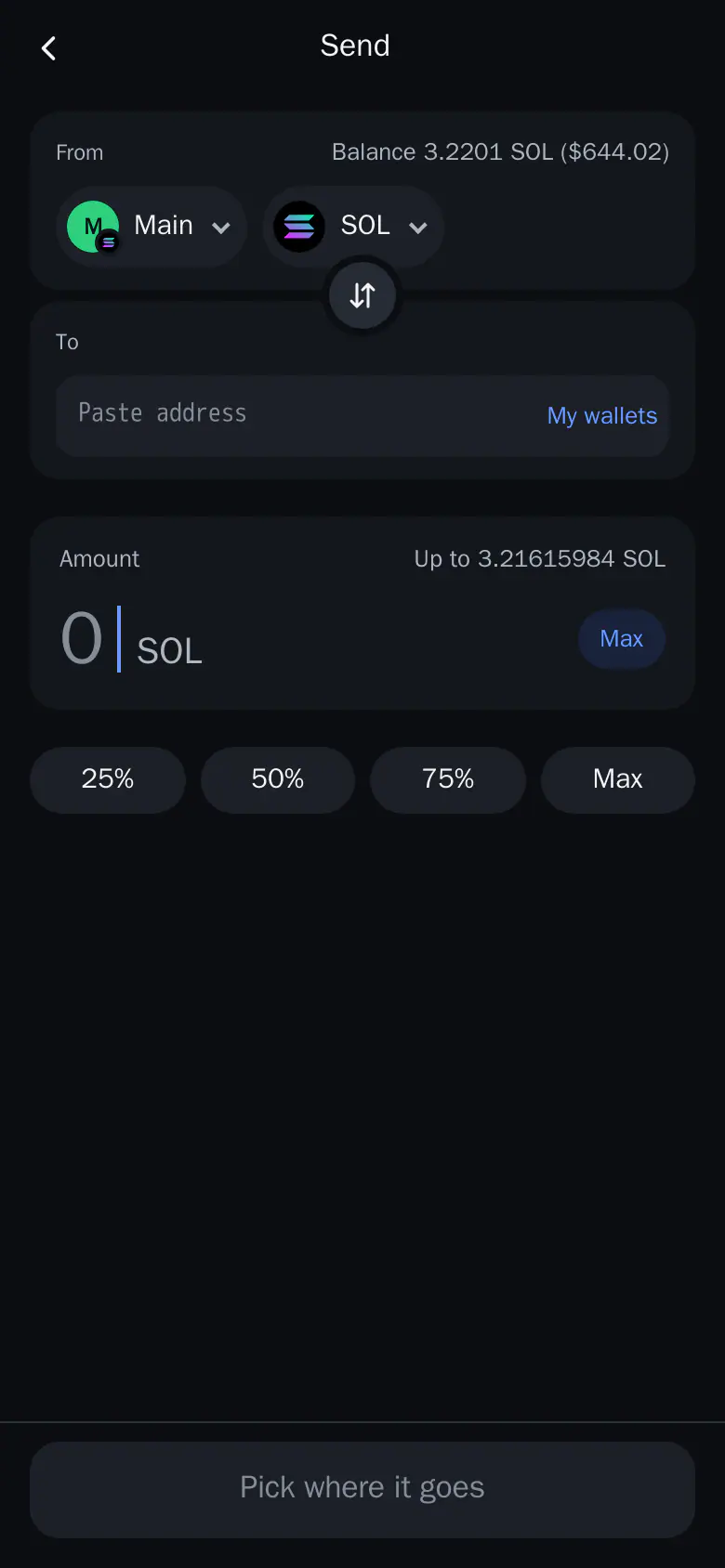
- Check From: the wallet and the coin. Tap either chip to change it.
- Pick To: tap My wallets and choose one of your own.
- Type an amount, or tap 25%, 50%, 75% or Max.
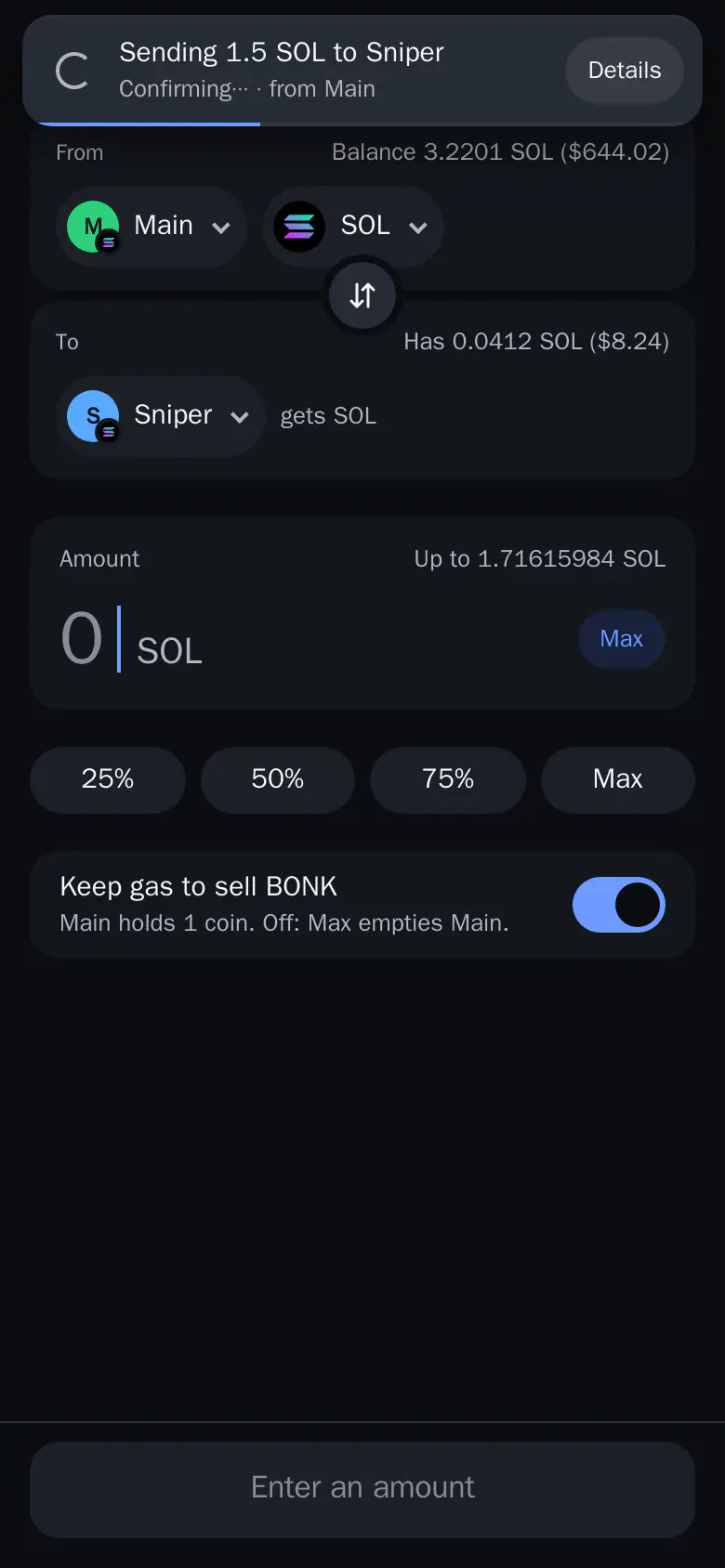
- Decide on gas: keep Keep gas to sell BONK on, so Max leaves enough to sell the coin later.
- Tap the send button.
 Thor Trading Bot
 123
- Max. Sends all you can. The info line says what Max keeps in the wallet.
- Keep gas to sell BONK. Off: Max empties the wallet.
- Send 1.5 SOL to Sniper. With a PIN set, this asks for it. Without one, the tap sends.
The card shows the balance, what the send needs for network costs, the optional gas kept, and what you can send now. Too much? The field turns red and Use max fixes it. If the balance is short, the button becomes Add funds, which opens Deposit for this wallet.
Pick what to send
- My wallets has tabs for Solana, EVM, Perps and Prediction. USD Cash comes first while it holds money, then your wallets by balance. The wallet you send from is not listed.
- Picking a wallet as the source does not change your default wallet.
- If the wallet does not hold the coin, Thor says so and does not switch wallets silently.
Other kinds of send
- From several wallets: see Send from several wallets.
- Across chains: see Bridge.
- From USD Cash: see Convert cash and Send from USD Cash.
- To an outside address: see Send to an outside address.
- Swap in one wallet: see Swap.
On Solana, a receiver without a token account gets one created, paid from your SOL (about 0.002 SOL).
Warning: Sends can't be reversed.