Sell
Sell part or all of a position from the coin sheet, with your realized profit shown before you confirm.
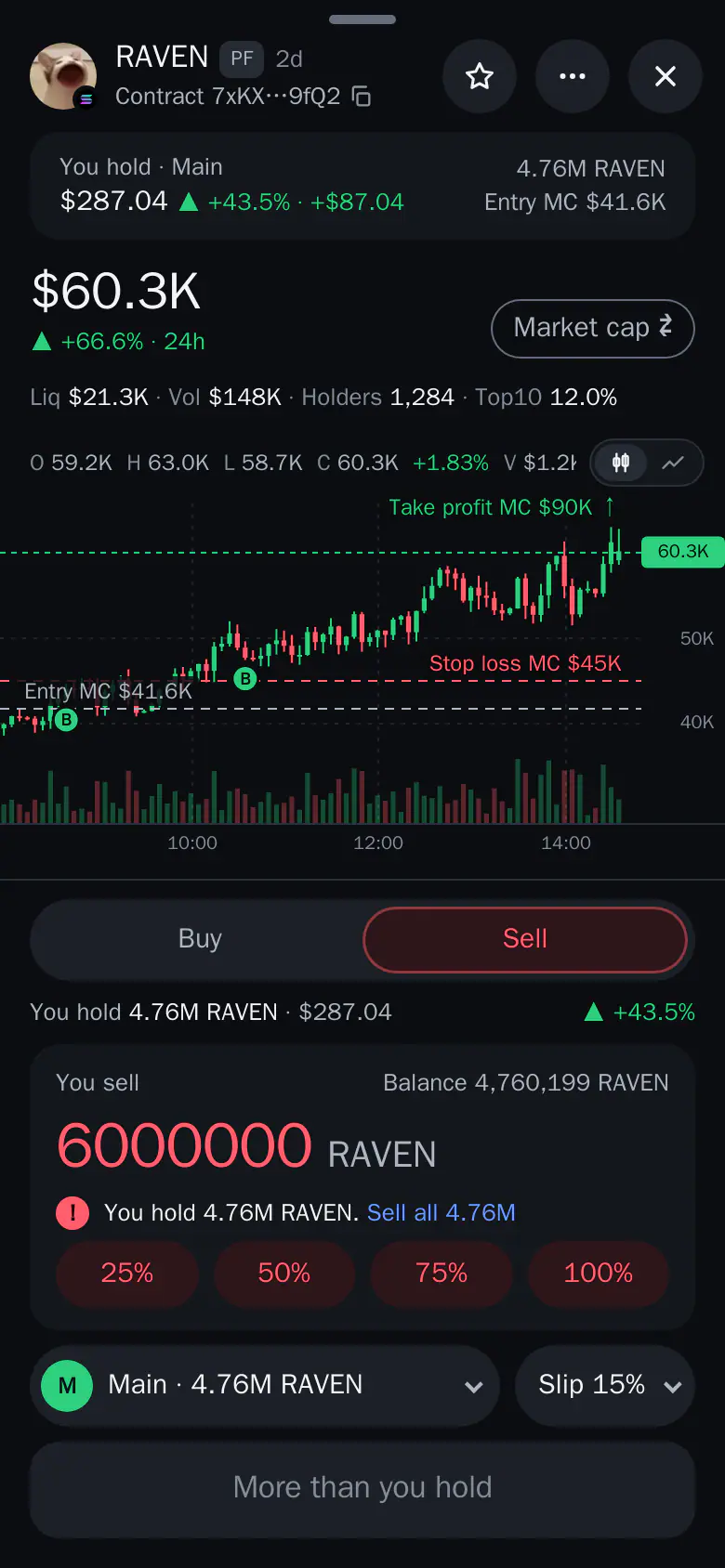
To sell a coin in Thor, open its coin sheet, pick a share of what you hold and tap Sell. The line shows what you get, and the realized P&L of this sell sits under the field.
Where to find it
- Mini App: open the coin from Home > Positions, Search or Trenches. When you hold it, the bar opens on Sell.
- Bot: the sell card has the
SWAP,TP/SLandTSLtabs and🔁 SELL.
How to sell
- Choose an amount: a % chip, or type your own. Tap the unit to switch between %, the coin and the chain coin.
- Read what you get, the realized P&L and the price impact.
- Tap Sell. The button shows the P&L of the sell.
Sell 100% sells the whole balance in one tap and shows the realized P&L of the whole position.
Good to know
- Selling 100% also cancels that coin's open orders for the wallet. The toast says how many.
- If you type more than you hold, the value turns red with a one-tap fix.
- A coin worth less than its fee to sell is explained before anything is sent, with Hide coin and Burn for rent back.
- Positions are tracked per wallet. Sell from the wallet that holds the coin, and use the wallet chip to change it.
- A position bought with USD Cash sells back into USDC.
- With Sell protection, you can sell even with 0 SOL or ETH for fees. Thor pays the network cost and takes back only what the sell cost.
Options
- One tap trading: % buttons sell straight away. See One tap and Pro Trader.
- Batches: sell the coin from a whole batch at once.
To sell automatically at a target, see Take profit and stop loss and Trailing stop.