Manage perps positions
Read your position, edit take profit and stop loss, change margin, and close part or all.
How do you close or adjust a perps position? Tap the position on the Perps home or on its market.
What you see
- Unrealized P&L in the header.
- A chart marking take profit, entry, stop loss and liquidation.
- How far the price can move before liquidation, in plain words.
- Size, entry, margin and funding.
What you can do
| Action | What it does |
|---|---|
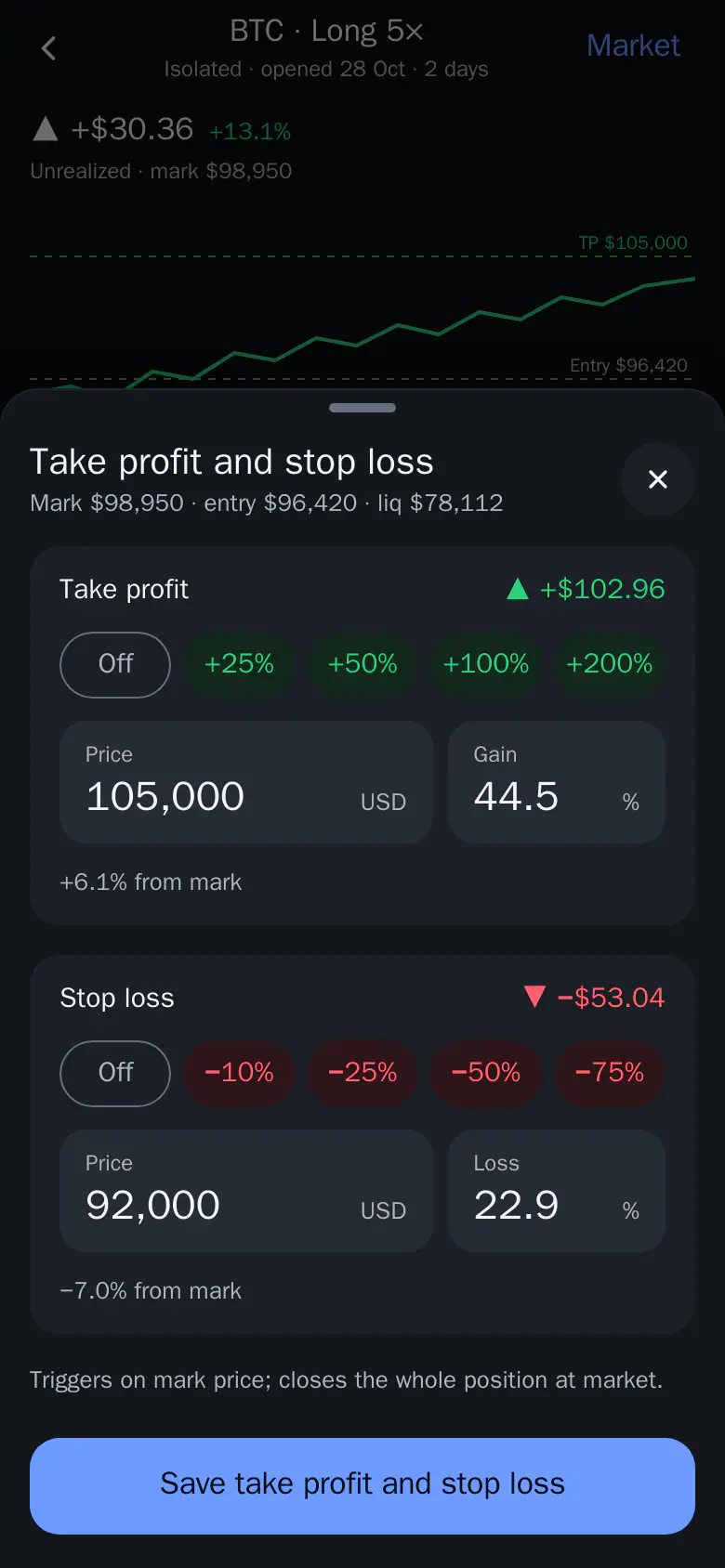
| Edit TP/SL | The same editor as the order sheet. Turn a leg Off to remove it. Each take profit or stop loss can be removed on its own |
| Margin | Add or remove margin. You see the liquidation price before and after. Removing is capped so the position keeps its leverage. No fee |
| Close | Close part or all with the chips, at market or at a limit price |
Close all on the Perps home lists every position it closes, the estimated P&L and fees, and the TP/SL orders it also cancels. Hold the button to confirm.
Good to know
- Closing 100% of a position also cancels its take profit and stop loss.
- In a restricted region you can still close positions.
Warning: If the price reaches your liquidation price, the position is closed and its margin is lost. Add margin before the price gets close.
Tip: The bot can warn you before that happens. Set how close to liquidation it alerts you (1, 2, 3, 5 or 10%, or Off) in Account, under Perps and Predict.