Create your account
Start the bot, accept the Terms and your wallets are ready.
How to start
- Open @thorsolana_bot in Telegram and press Start.
- Read the Terms and choose Accept. You need to accept them to use Thor.
- Choose your language.
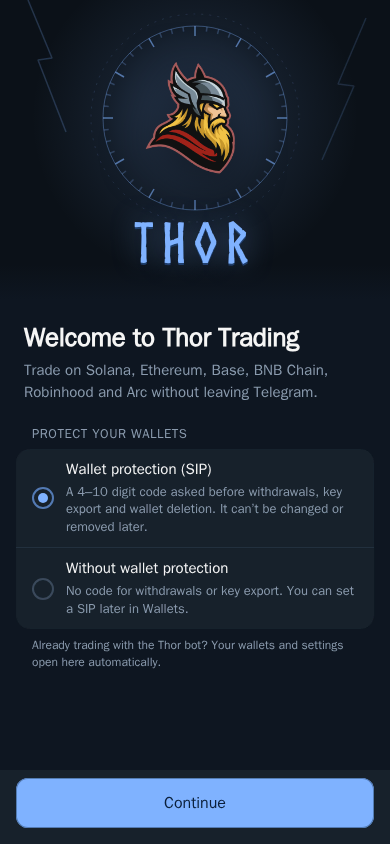
- Choose your security mode. We recommend turning on your Security PIN (SIP) now.
Thor creates two wallets for you in a few seconds: one for Solana and one for EVM chains. Your EVM wallet uses the same address on every supported EVM chain.
Next steps
- Add funds. See Fund your wallet.
- Open the Mini App from the menu button in the chat.
- Find your first token. See Find a token.
Tip: Got an invite link from a friend? Open it before you press Start so you both get rewards.