PIN
The optional 4 to 10 digit PIN (also called SIP in the bot): when Thor asks for it and when it never does.
What does the PIN do in Thor? The PIN (also called SIP in the bot) is an optional 4 to 10 digit code that Thor asks for before money leaves your wallets. It sits on top of Privy, the wallet infrastructure that creates and secures your wallets.
Set it
- At sign-up, choose Wallet protection, then create your PIN and repeat it. Or choose Without wallet protection and skip it.
- Skipped it? Set it later in Account → Security. Change it there too, with the current PIN first.
- Forgot it? Forgot PIN? opens Reset PIN. If Thor has been open for more than 5 minutes, reopen it from the bot chat first.
When Thor asks for it
With a PIN set, it is asked for:
- every send, including between your own wallets;
- funding wallets, gathering, bridges and private funding;
- sending to USD Cash and converting into another wallet;
- Perps and Predict deposits and withdrawals;
- removing a wallet.
In a send from several wallets, it is asked once for the whole send. Sends to an outside address show a review first, then ask for the PIN.
When it is never asked
- Swaps and converts inside one wallet.
- Claims to your wallets.
- Sell everything and Burn dust.
Buying and selling coins is not affected.
Good to know
- A PIN is 4 to 10 digits.
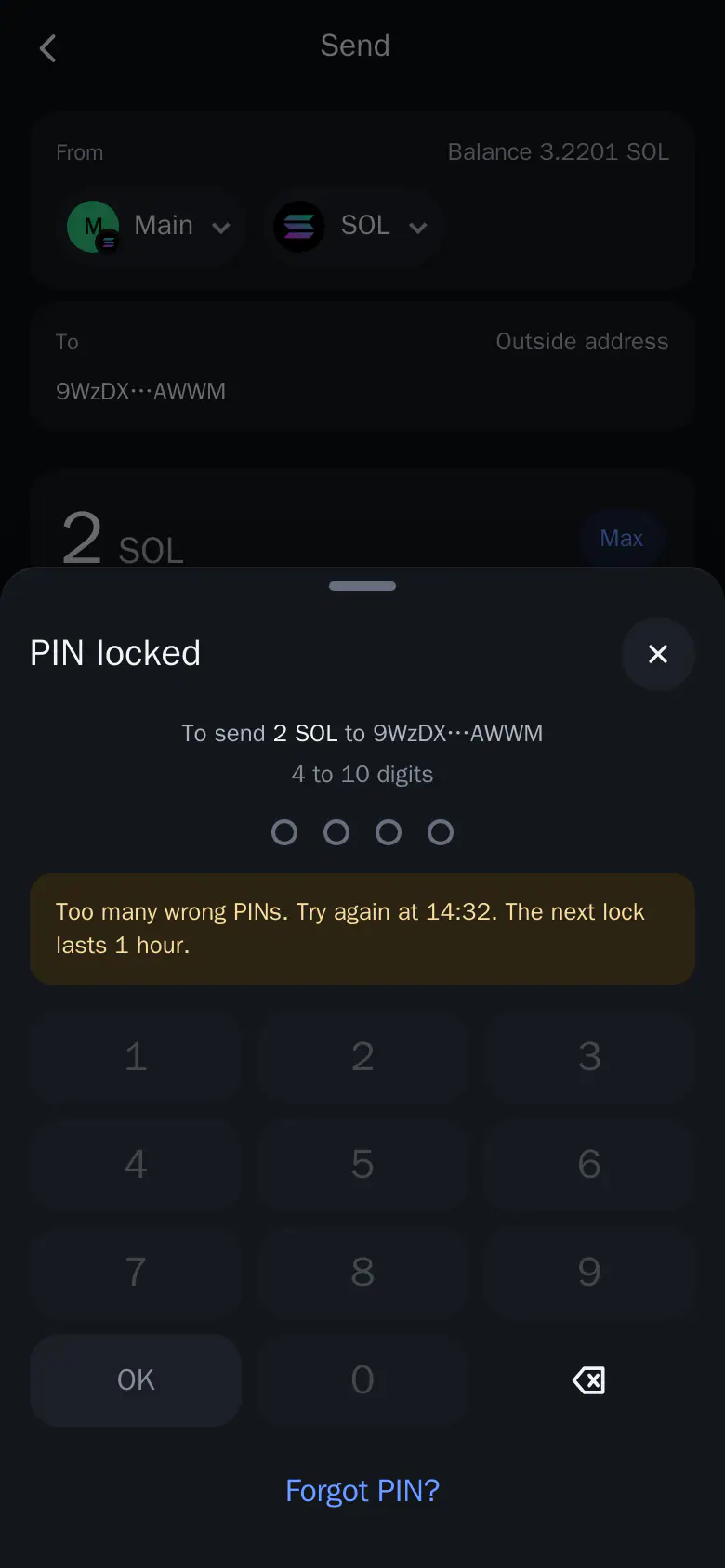
- Wrong codes lock it: 15 minutes, then 1 hour, then 24 hours. Nothing is sent while it is locked.
- After a PIN reset, all sends pause for 24 hours, also between your own wallets. Send shows when it ends. Trading still works.
Warning: Thor will never ask for your PIN in a chat or a message. Anyone who does is a scammer.