Filters and Analyzer
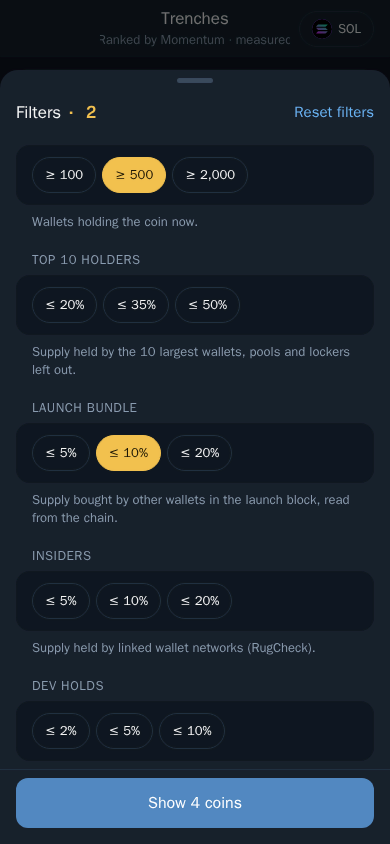
Narrow Trenches down to the coins you want.
Filters
- Open Trenches and tap Filters.
- Set ranges for market cap, liquidity, age, holders, volume and more.
- Apply. The list updates straight away.
Clear filters at any time to see everything again.
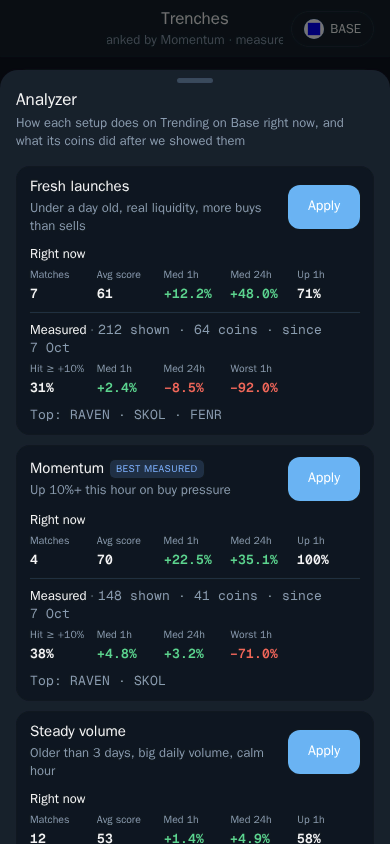
Analyzer
Tap Analyzer to see why a coin got its score: buying and selling activity, holder spread, liquidity and the warning signs that pulled the score down.
Labels you may see
- DP, DS, PF, JUP — where the data comes from: DexPaprika, DexScreener, pump.fun and Jupiter.
- Boosted — the coin paid for promotion on DexScreener.