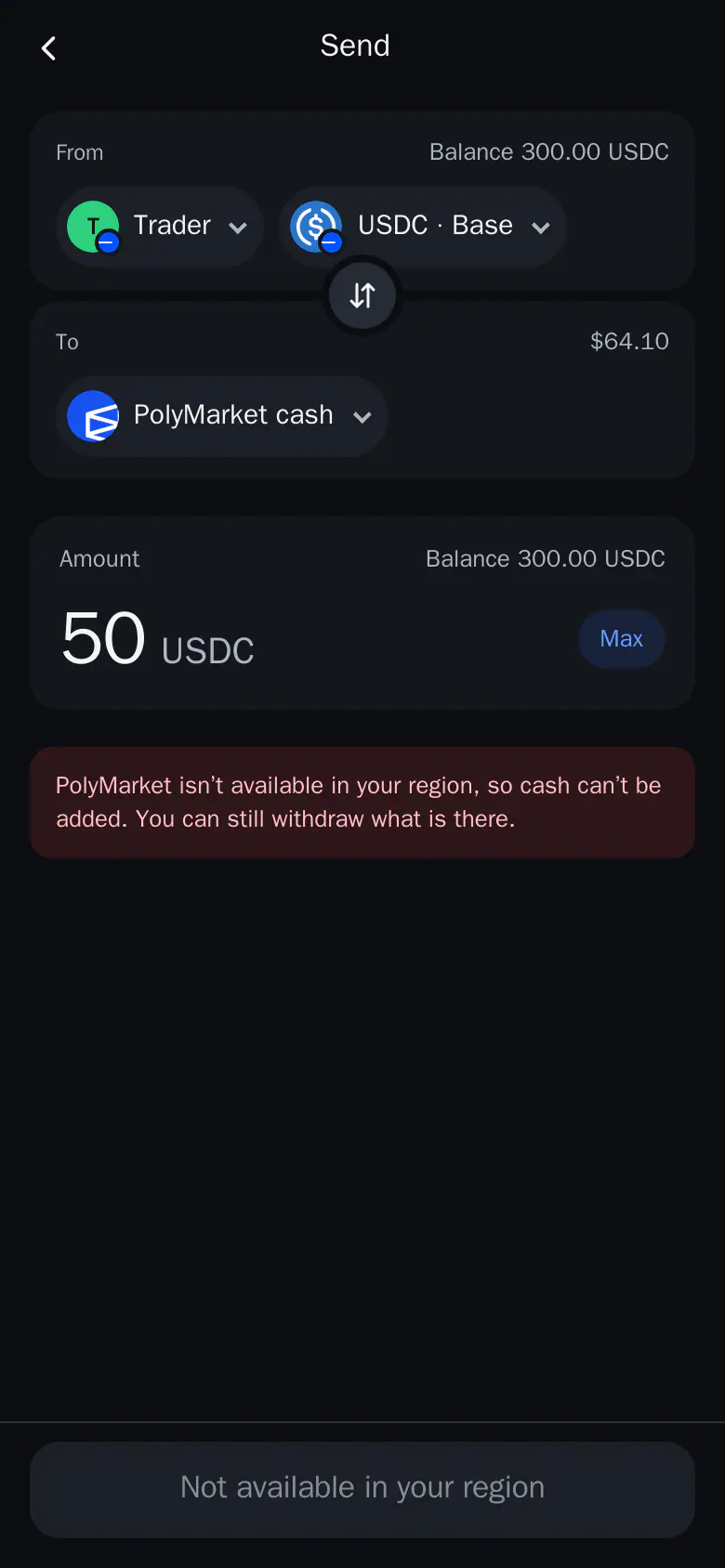
Withdraw cash
Move Predict cash to your Thor wallets or USD Cash from the Send screen.
How do you withdraw from Predict? Tap Withdraw next to your Predict cash. It opens Send with your Predict cash as the source.
- Open Predict and tap Withdraw.
- Choose where the money goes: one of your Thor wallets, or USD Cash.
- Enter an amount.
- Confirm. Thor asks for your PIN.
Thor charges no fee on Predict withdrawals. The network cost shows before you send.
Before you withdraw
- Only cash can be withdrawn. Shares in open markets are not cash yet. Cash out a position before the market ends, or Claim all after it resolves in your favour, and the money is added to your cash.
- Cancel waiting limit orders if you want the cash they hold.
Note: Where Predict is not available, adding cash is blocked and you can only sell existing positions. Withdrawing always works.
To add cash again later, see Add cash.