Quick start in 5 minutes
Open Thor, fund it, set your defaults and make your first protected trade.
From zero to your first protected trade in seven steps.
1. Open Thor
Start @thorsolana_bot in Telegram and tap Open Thor to open the Mini App. Set your SIP when asked. See Create your account.
2. Fund it
Pick one route:
- Easiest, no gas coin needed: Home → USD Cash tab → Deposit USDC. Send USDC, USDT, SOL or ETH from any supported chain; it arrives as USDC.
- Classic: Home → Deposit. Send SOL to the Solana address, or ETH or BNB to your EVM address on that chain.
3. Set your defaults
Open Settings → Trading settings → Fees, buttons, display:
- pick a priority fee (Standard is a good start) and your slippage;
- set 3 to 5 buy buttons;
- keep One tap trading off at first, so every trade shows a confirm step.
4. Find a coin
Open Trenches → Trending, or apply the Clean holders setup. Or tap search and paste a contract address, a link or a $symbol.
5. Buy
Read the quote: You get ≈, Price impact, the fees and Token tax. Then tap Buy (token) · (amount). The status runs Signed → Sent → Confirmed.
6. Protect it
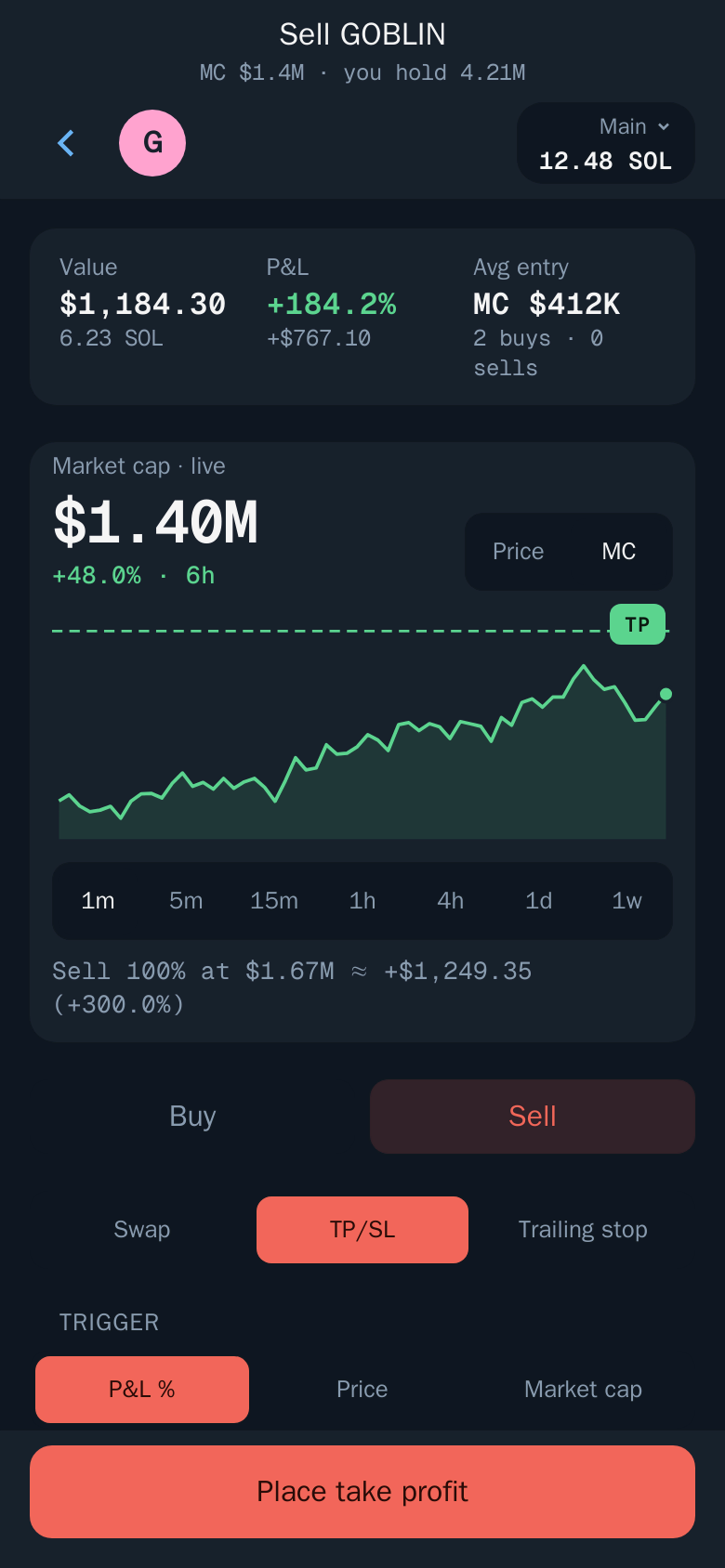
On the position, open TP/SL and place a take profit and a stop loss. Or turn on Auto sell once, so every buy gets them automatically. See Take profit and stop loss and Auto sell.
7. Watch it
Portfolio shows live P&L across all wallets and chains. Fills also arrive in the bot chat.
Tip: Start small. On EVM tokens, read the security card first: Security checks passed means go ahead; Scam risk · trade blocked means Thor won't buy it. See Trade safely.