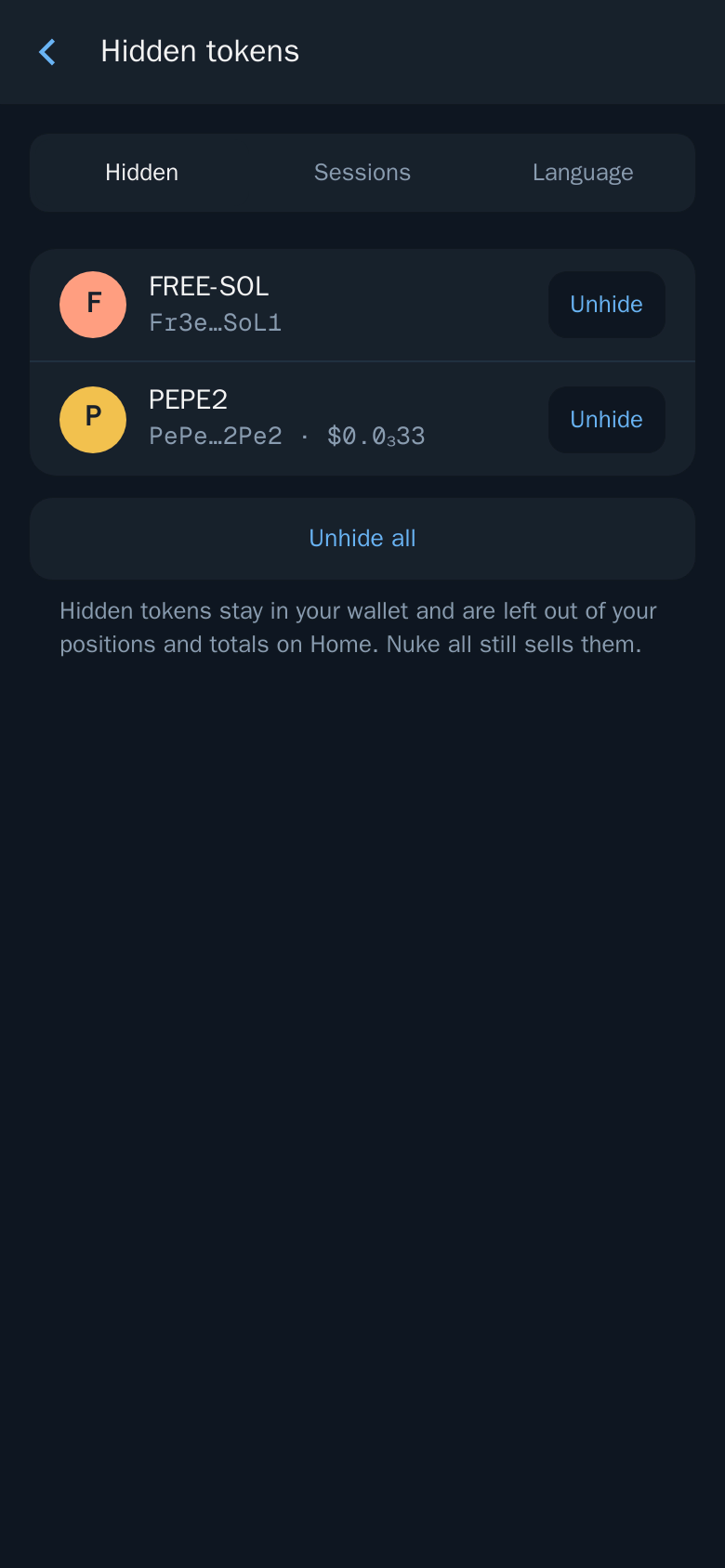
Hidden tokens
Remove spam and unwanted tokens from Portfolio and your totals.
Airdropped spam and tokens you no longer care about can clutter your portfolio. Hide them to take them out of Portfolio and your totals on Home.
Hide a token
- Mini App: open the position and tap Hide.
- Bot: tap
[ HIDE ]on the position.
Show it again
- Mini App: open Settings → Hidden tokens and tap Unhide on a token, or Unhide all.
- Bot: open Settings →
🙈 Hidden Tokens.
Good to know
- Hidden tokens stay in your wallet. Hiding only changes what you see.
- Nuke all still sells hidden tokens.
- Possible airdrop scams are labelled "Unverified: may be an airdrop scam" in Portfolio. Hiding them keeps your totals clean.