Automation hub
One place for your orders, Auto buy, Auto sell and Copy trade, in Account.
The Automation hub holds everything that trades for you. Open it to see your open orders and set up Auto buy, Auto sell and Copy trade without leaving one screen.
Where to find it
- Mini App: Account → Orders and automation. The screen is titled Automation.
- Your open orders are also in Home → Orders, and the same rows show there.
What lives where
| Tab | What it does | Page |
|---|---|---|
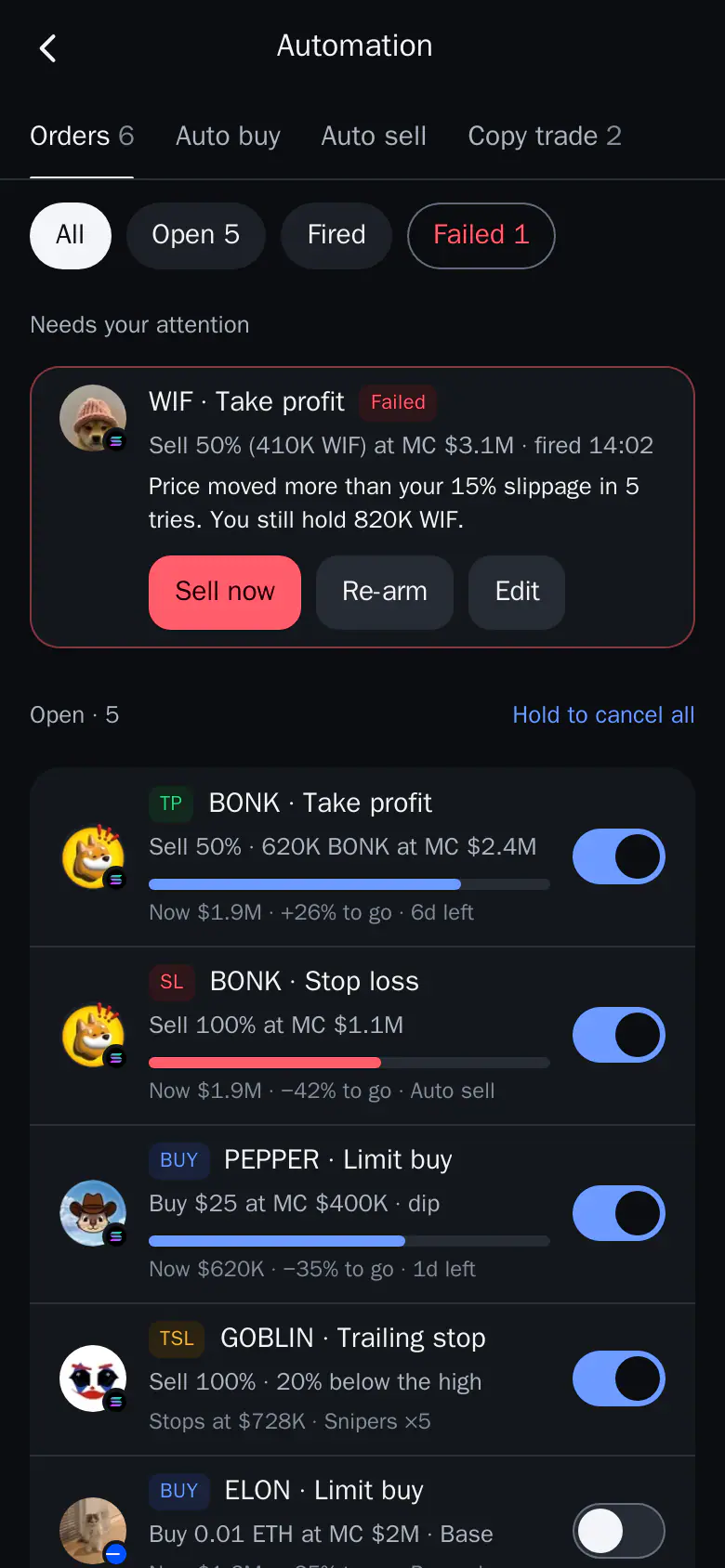
| Orders | Every open order on every chain and in Perps, in one list | Manage your orders |
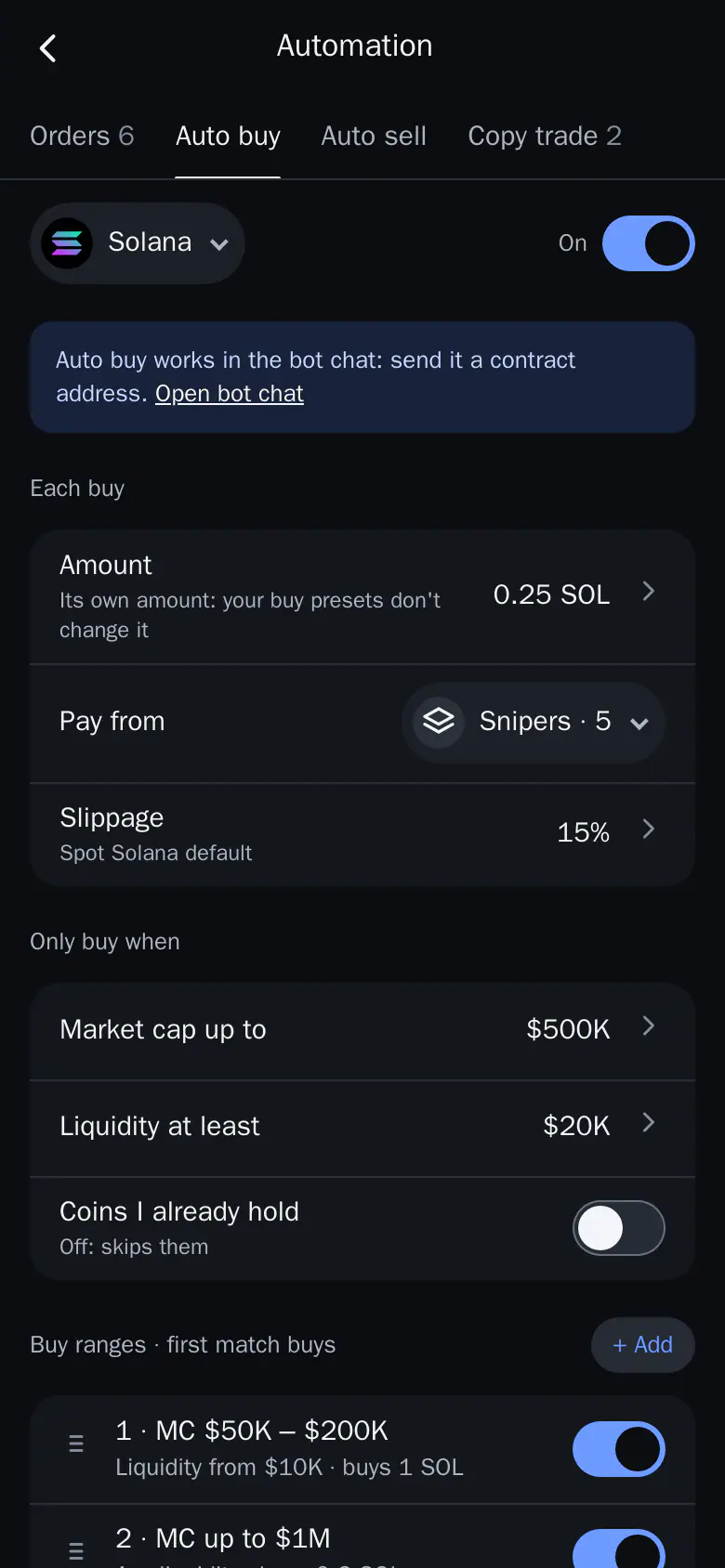
| Auto buy | Buys when you send a contract address in the bot chat | Auto buy |
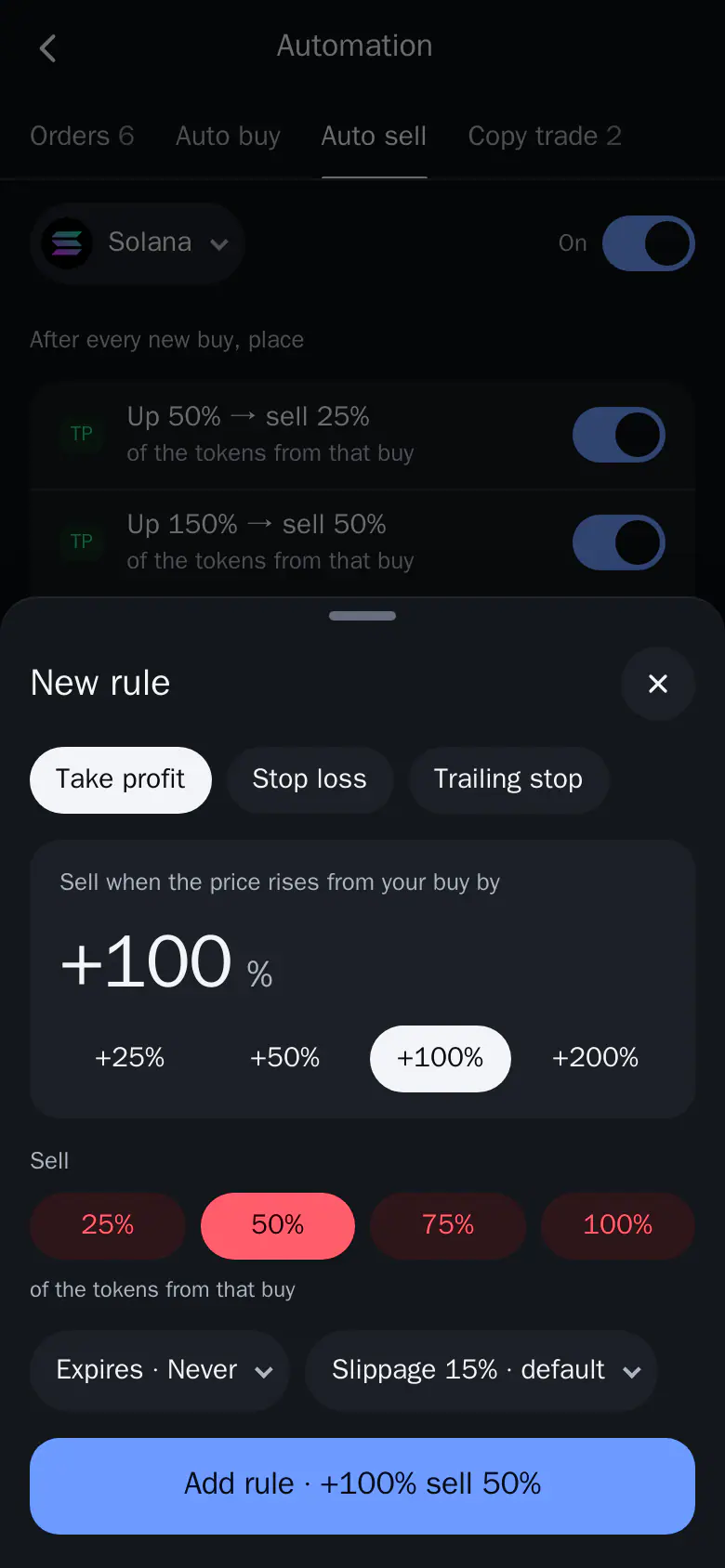
| Auto sell | Adds take profit, stop loss and trailing stop to every new buy | Auto sell |
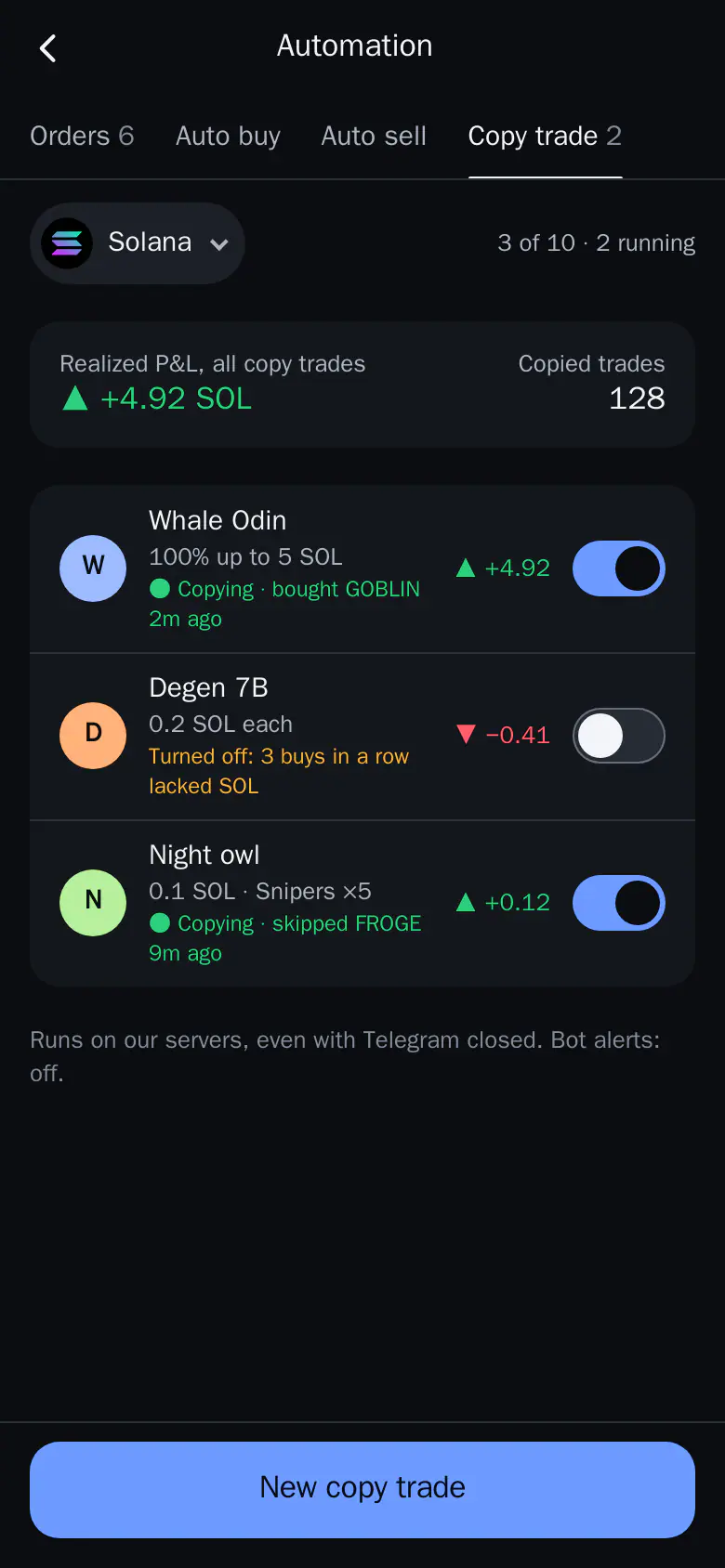
| Copy trade | Follows other wallets from yours | Copy trade |
Each tab shows a count, for example Orders 6 or Copy trade 2. Auto buy, Auto sell and Copy trade are set per chain: pick the chain at the top of the tab.
The Orders tab
- Chain chips and a Failed chip filter the list.
- A failed order stays at the top with the reason and Sell now, Re-arm or Edit.
- Each order shows how far the price is from its trigger. Tap one to open its details: what it sells, when it fires, the price now, slippage, wallet, and when it was placed and ends. Edit changes it. Cancel order removes it, with 5 seconds to undo.
- Hold the button at the bottom to cancel all orders.
Good to know
- Auto buy works in the bot chat. The tab links to it with Open bot chat.
- When an order fires, a toast appears wherever you are, and the event is added to Activity.
- Trenches Autotrade is set up in the bot only.