Clean up
Burn dust, Sell everything, Empty a wallet and Clean all wallets: tidy your Solana wallets in one place.
How do I clean up a wallet full of old coins in Thor? Use Clean up. It replaces Burn dust and Nuke all and puts every tidy-up action in one place.
Note: Solana.
Where to find it
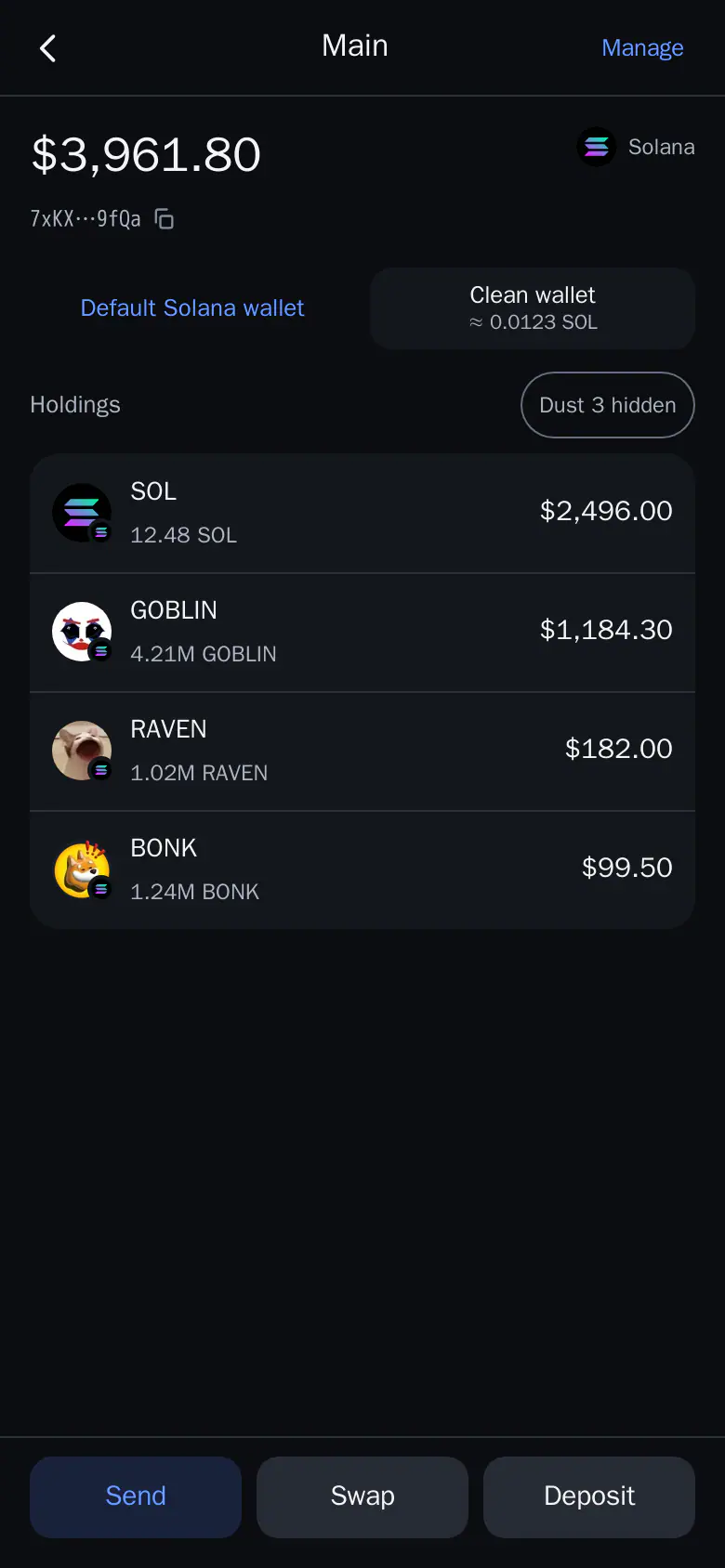
- Mini App: a wallet page → Clean wallet. It shows about how much SOL you get back.
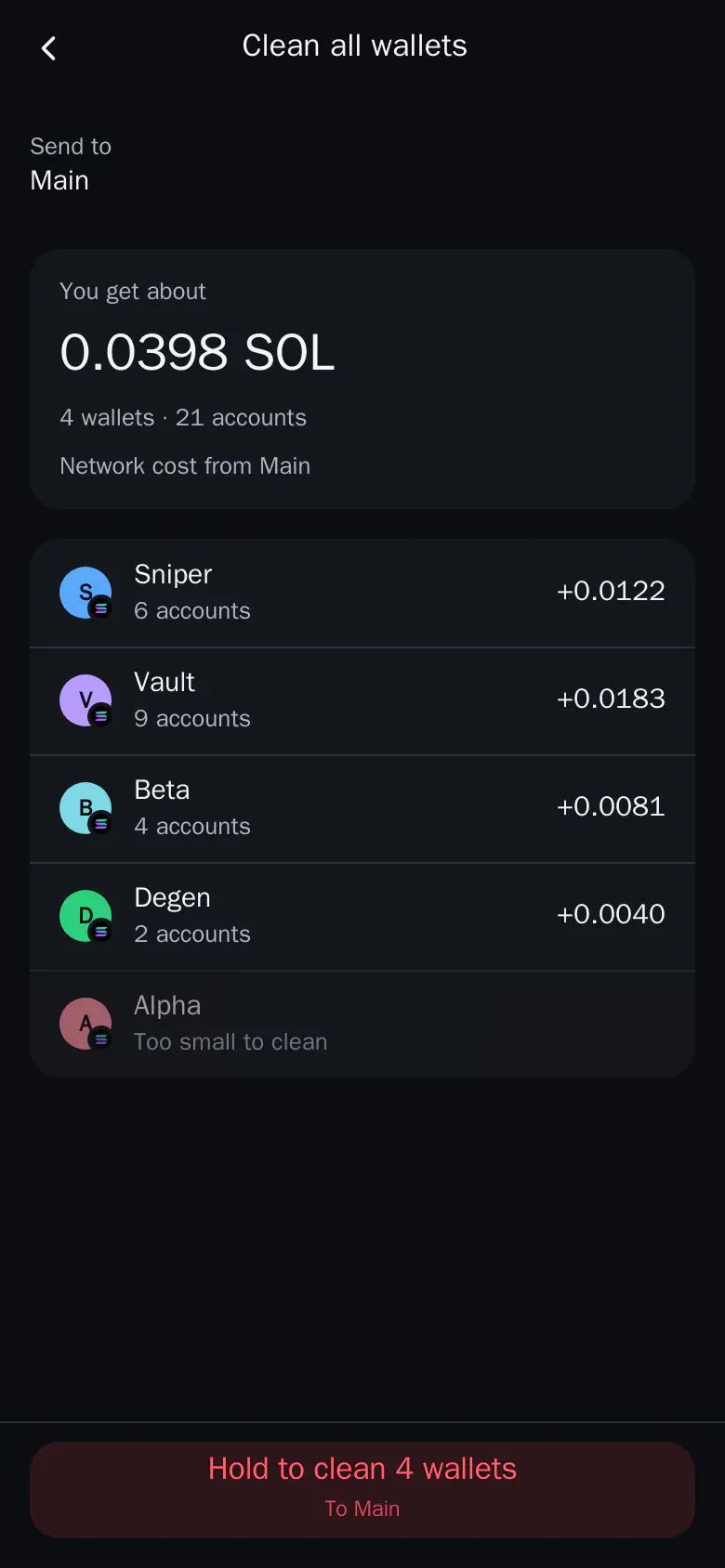
- Mini App, all wallets: Account → Wallets and batches → Clean all wallets (Solana tab).
The four actions
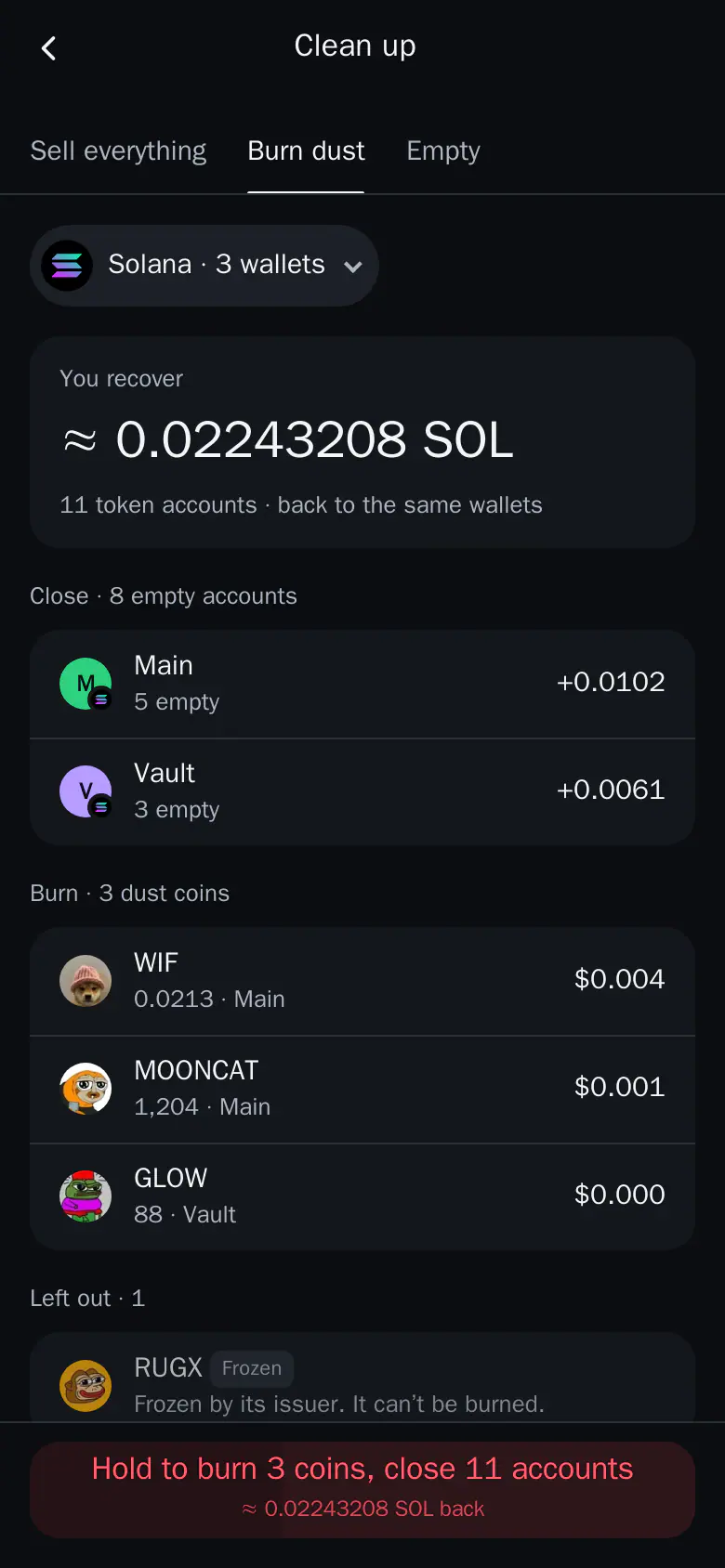
- Burn dust: closes empty token accounts and burns near-worthless coins to recover the SOL locked in them. No PIN, and nothing leaves your wallets. See Burn dust.
- Sell everything: sells every coin in the wallets you pick. Stablecoins and hidden coins stay. Hold to start. See Sell everything.
- Empty a wallet: sells and burns the coins in the picked wallets, closes their accounts and sends everything to one wallet or a pasted address.
- Clean all wallets: closes the empty and dust accounts of every Solana wallet and sends the SOL back to one wallet. Nothing is sold.
Good to know
- Sell everything and Burn dust never ask for your PIN. See PIN.
- Coins that can't be sold show a card that asks "Burn them?". Keep hides it. Hold to burn.
- After a run, the result lists per wallet what landed and what failed with the reason. Retry repeats only the failed part.
- Each run needs you to hold the button. Burned dust and sold coins can't come back.
Tip: Not sure? Start with Burn dust. It sells nothing and your coins stay put.