Take profit and stop loss on predictions
Three ways to set take profit and stop loss on prediction shares.
How do you set a take profit or stop loss on Polymarket shares? Three ways, all shown under Orders in My predictions until they fire.
| Where | How it works |
|---|---|
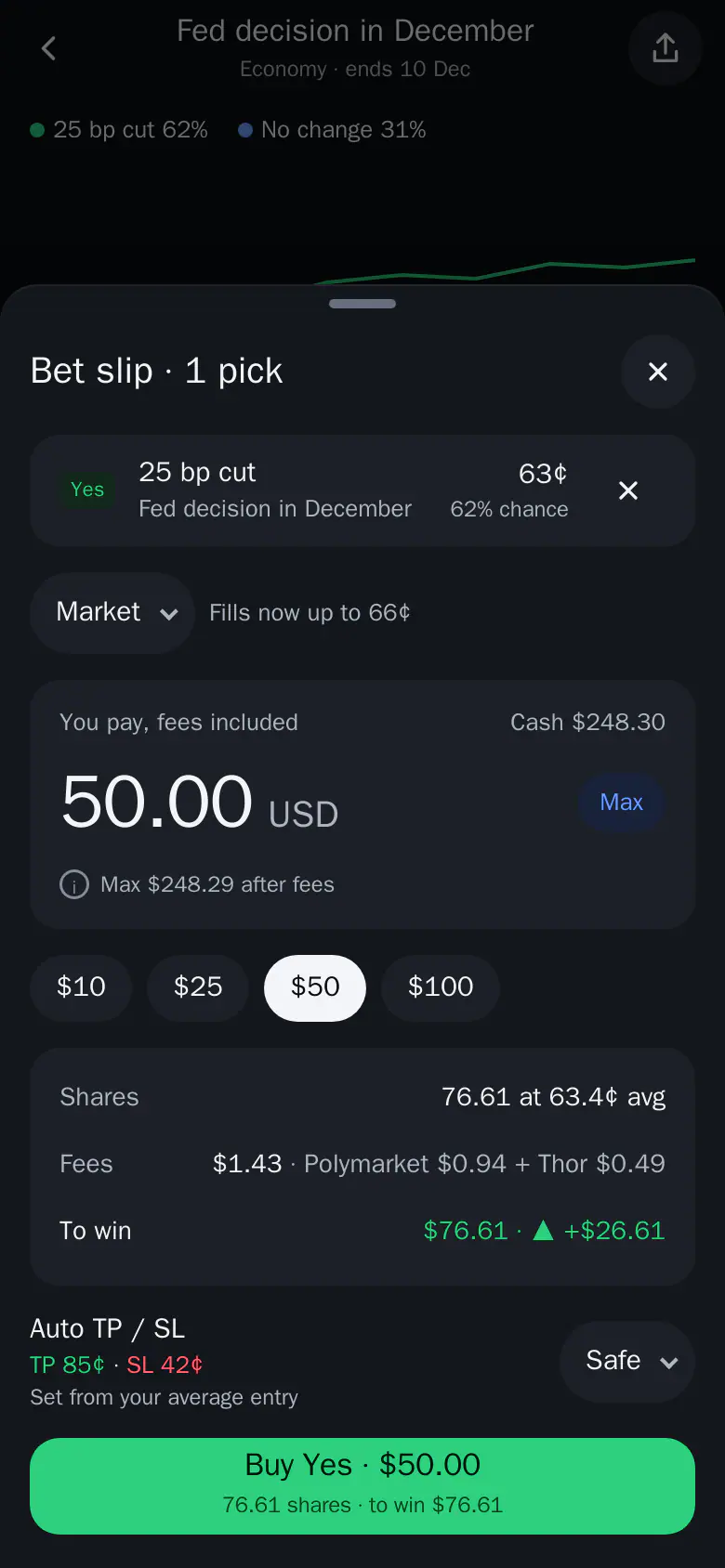
| Auto TP / SL on the bet slip | Applies a saved preset to this buy. Take profit and stop loss are a % from your entry, priced from your real fill (or your average entry if you already hold the outcome). The row shows the prices, for example "TP 93¢ · SL 47¢". A side that cannot be placed shows "skipped". Tap the pill to pick another preset, Custom (type prices for this buy) or Off. |
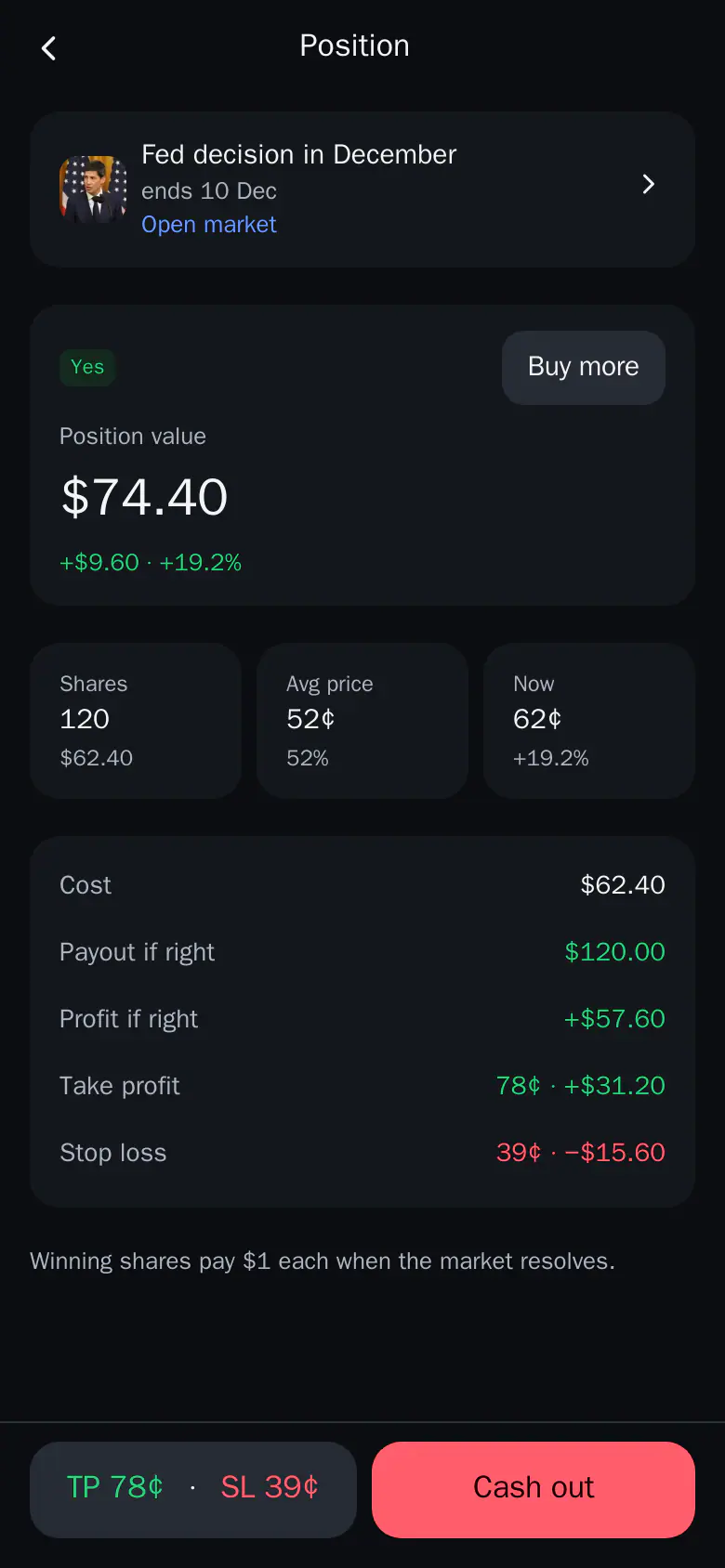
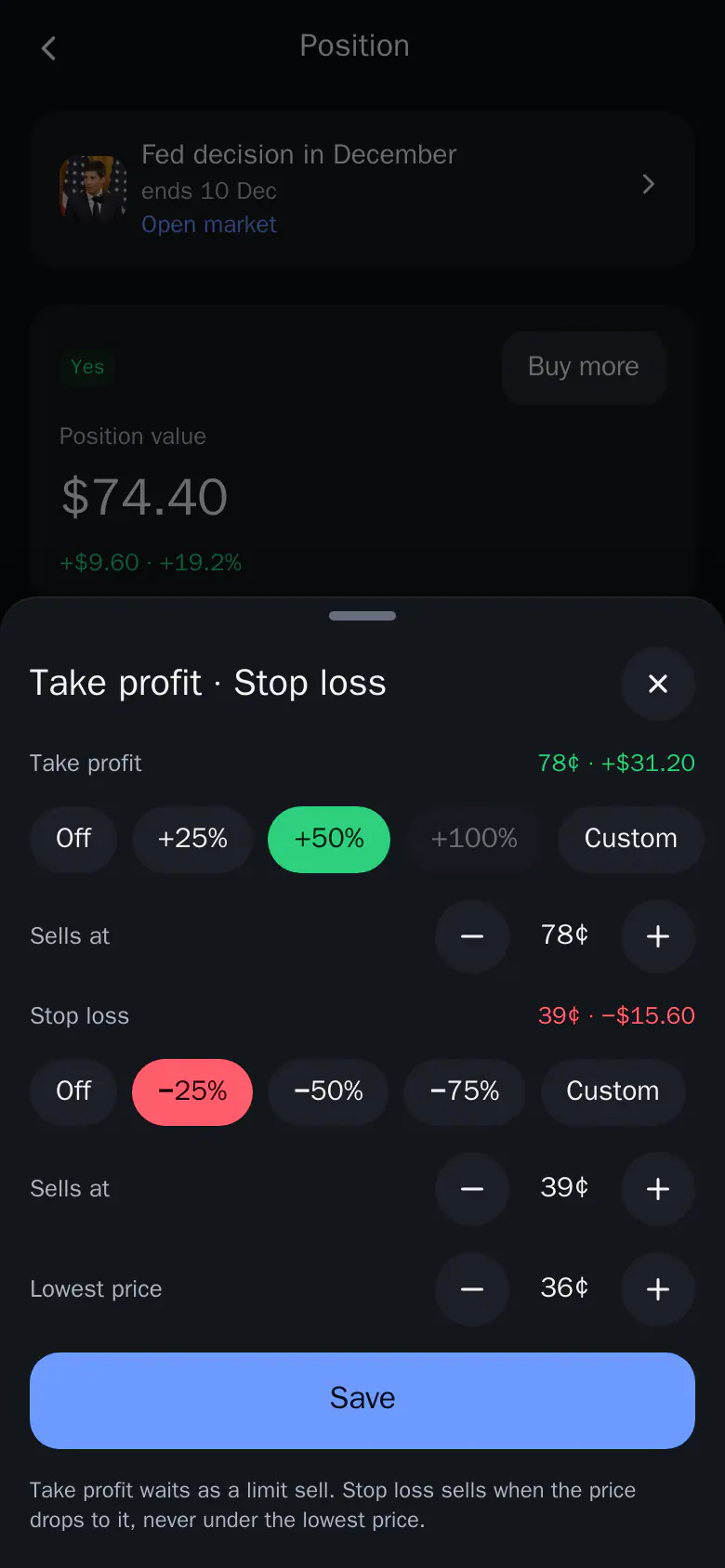
| TP / SL on a position | The position footer has TP / SL next to Cash out. Pick a step from the price you paid (TP +25 / +50 / +100%, SL -25 / -50 / -75%) or set the price in cents. The summary shows what you would make or lose at each price. |
| Limit sell | A sell that waits at your price (for example 80¢) until it fills. It works as a plain take profit. |
How they fire
- A take profit waits in the book as a limit sell.
- A stop loss sells when the price drops to it, but never below the lowest price you allow (3¢ under the stop by default).
- Sells made by your TP or SL appear in History.
Presets
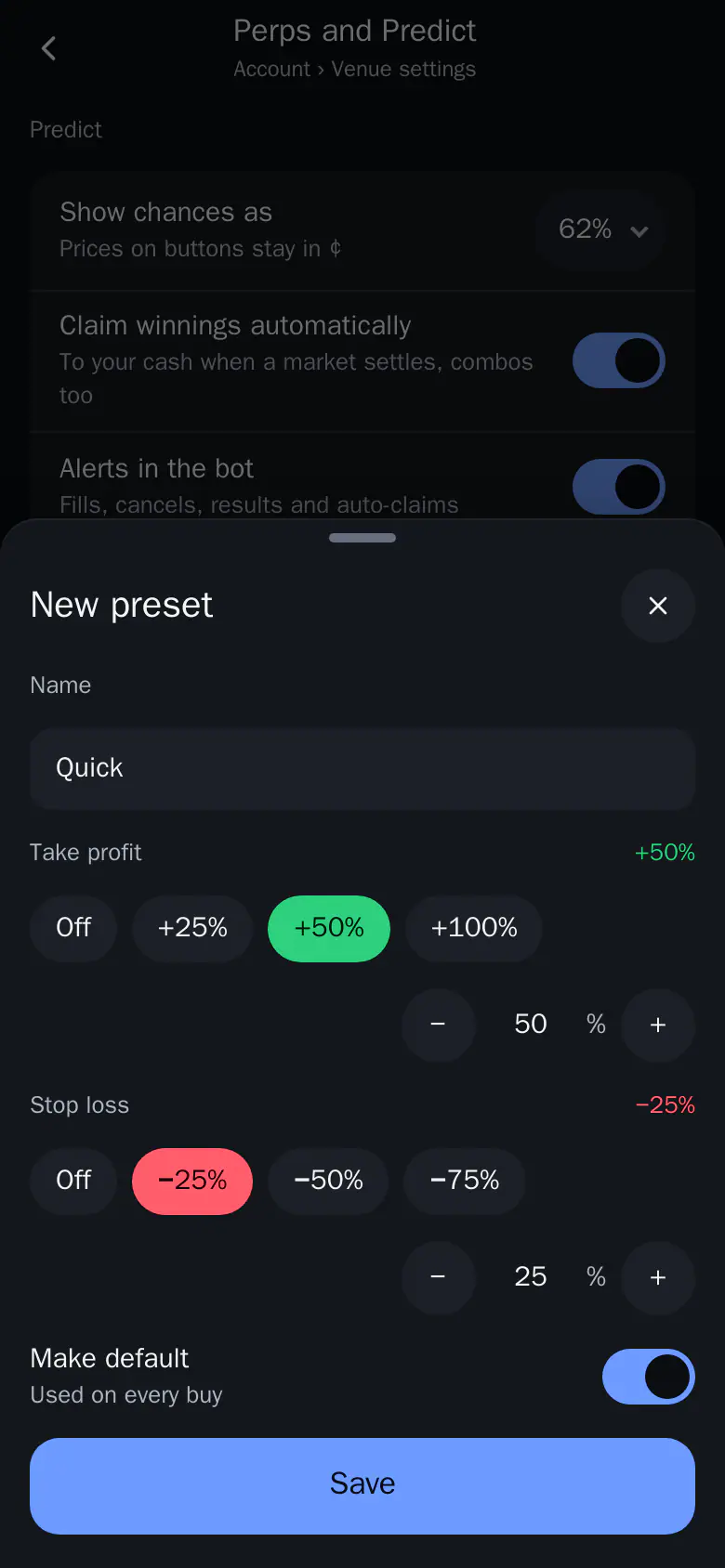
Create presets in Account, under Perps and Predict, then Predict.
- Up to 10 presets. Each has a name, a take profit (+1 to +1000% from entry) and/or a stop loss (-1 to -99%).
- A new preset starts at TP +50% and SL -25%.
- The first preset becomes your default. Pick a default for every buy, or None. Hold a preset to delete it.
Tip: Set one preset as your default and every buy gets a take profit and stop loss without extra taps.